 Georaf Team
What Is a Shapefile? (And Why Does It Come as a Bunch of Files?)
A Shapefile is not one file. A plain-English explanation of what the .shp, .dbf, .shx, and .prj files are, why they travel together, and what to do with them.
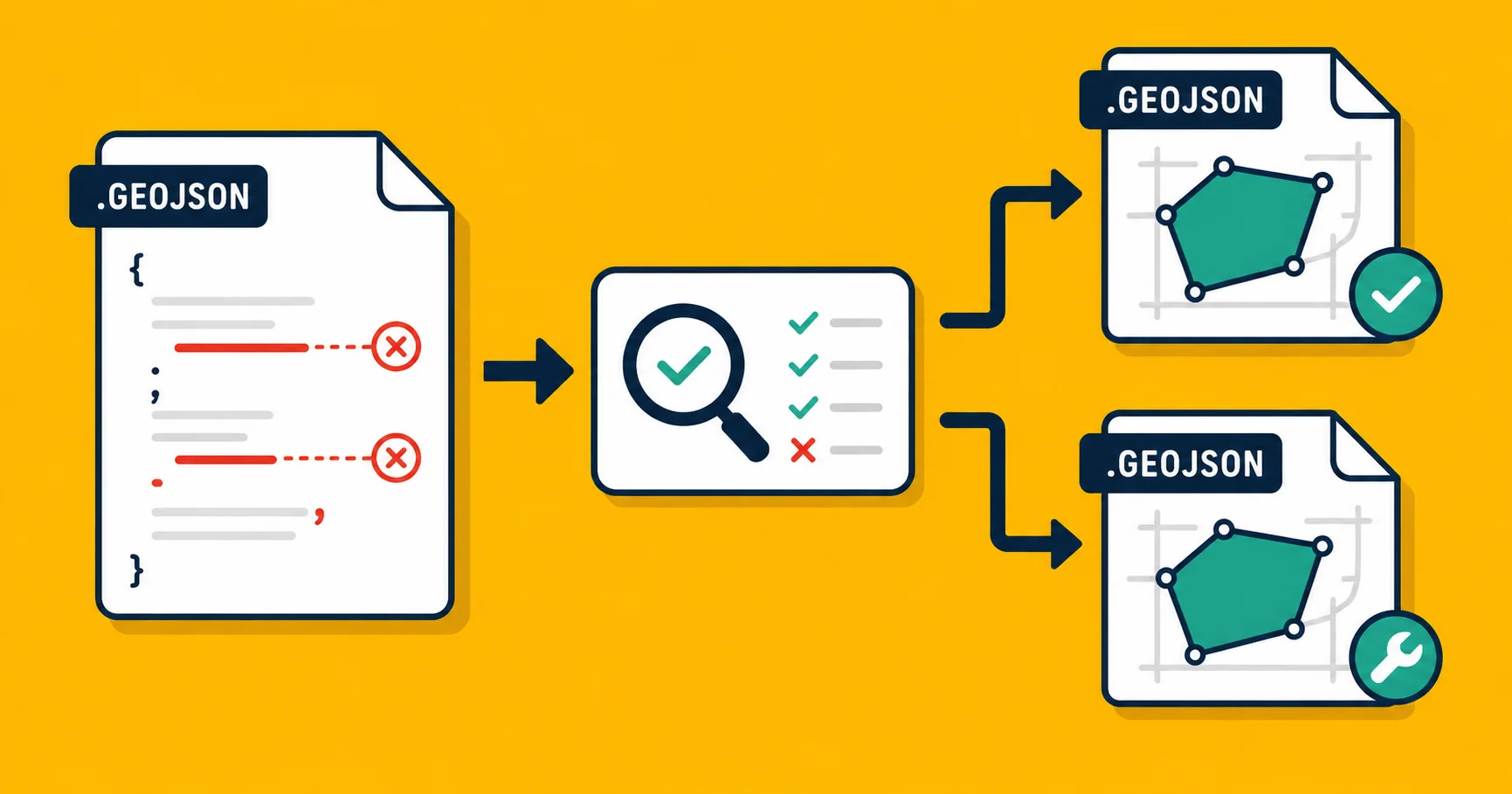
If someone sent you a ZIP file full of files named roads.shp, roads.dbf, roads.shx, and roads.prj, you're looking at a Shapefile. Not several files. One Shapefile that happens to be split across four (or more) separate pieces.
This trips up almost everyone the first time. You unzip the file, see a pile of weirdly named things, and wonder which one is the actual map data. The answer is: all of them, together.
Where this design came from
Shapefile was created by ESRI, a mapping software company, in 1993. The format was built for ArcView, their desktop mapping application, on the hardware of that era.
In 1993, splitting data across multiple files made sense. Storage was slow, memory was limited, and the database parts of a dataset (the text, the numbers, the names) were genuinely better handled by a separate file optimized for that job. The geometry (the actual lines and polygons) lived in one file; the attached information lived in another; an index file let the software jump quickly to any entry without reading the whole thing.
That design got frozen into a published spec. Thirty-three years later, almost every GIS tool still reads it. The format is so common that changing it would break more things than it would fix.
What each file does
A typical Shapefile bundle looks like this:
| File | What's inside |
|---|---|
.shp | The geometry: the actual points, lines, and polygon outlines |
.dbf | The attributes: every column of data attached to each entry (names, codes, measurements) |
.shx | An index file: tells the software how to find each entry quickly in the .shp file |
.prj | The coordinate system: describes which coordinate system the geometry uses |
.cpg | Optional. Specifies the text encoding for the .dbf file |
.sbn / .sbx | Optional. Spatial index files created by ESRI software for faster querying |
You need the first three (.shp, .dbf, .shx) to open the file at all. Without any one of them, most tools will refuse to load the data or will load it broken.
The .prj file is technically optional but practically essential. Without it, the software doesn't know what coordinate system the numbers in the .shp file refer to, which means it can't place your entries correctly on a map. If your entries are showing up in the ocean or in the wrong part of the world, a missing or incorrect .prj is often the reason. The coordinate system mismatch article covers this in more detail.
The practical consequences
You can't share a Shapefile as a single file. It doesn't exist as one. If you attach just the .shp to an email, the recipient gets unusable geometry with no attribute data and no coordinate system. You have to ZIP all the files together and send the ZIP. This is why Shapefile downloads always come as ZIPs.
Every file must share the same base name. The software finds the sibling files by looking for matching names in the same folder. If you rename one but not the others, the connection breaks. Rename roads.shp to streets.shp and the software will still look for roads.dbf, not streets.dbf.
Losing a file is often permanent. If you delete the .prj by accident, the coordinate system information is gone and you'll need to figure out what it was from context clues, or just know it from memory.
Two limits you'll eventually hit
The 2 GB file size limit. The .shp file can't exceed 2 GB. For most datasets this is not a problem. For large, dense datasets (detailed roads across a whole country, building footprints for a major city), you'll hit it. When you do, the conventional fix is to split the dataset into tiles.
The 10-character field name limit. Column names in the .dbf file are capped at 10 characters. This is the legacy of dBASE III, the database format the .dbf file is based on. It means a column called population_2024 will silently get truncated to populatio_ or similar when you export to Shapefile. If you're converting from GeoJSON or another format that has no such limit, watch for this. You may find that column names you carefully chose have been mangled.
What Shapefile is good at (still)
Despite its age and quirks, Shapefile is still the default format for government agencies, engineering firms, and surveying organizations. If you're sending data to any of those, Shapefile is usually what they expect. See the GeoJSON vs Shapefile breakdown for when to pick which format.
The format also has the broadest compatibility of any geographic format in existence. You can open a Shapefile from 1994 in a tool built in 2024 and it will work. That reliability is part of why it hasn't been replaced.
Using a Shapefile you received
If someone sent you a Shapefile and you're trying to do something with it, your options depend on what you need:
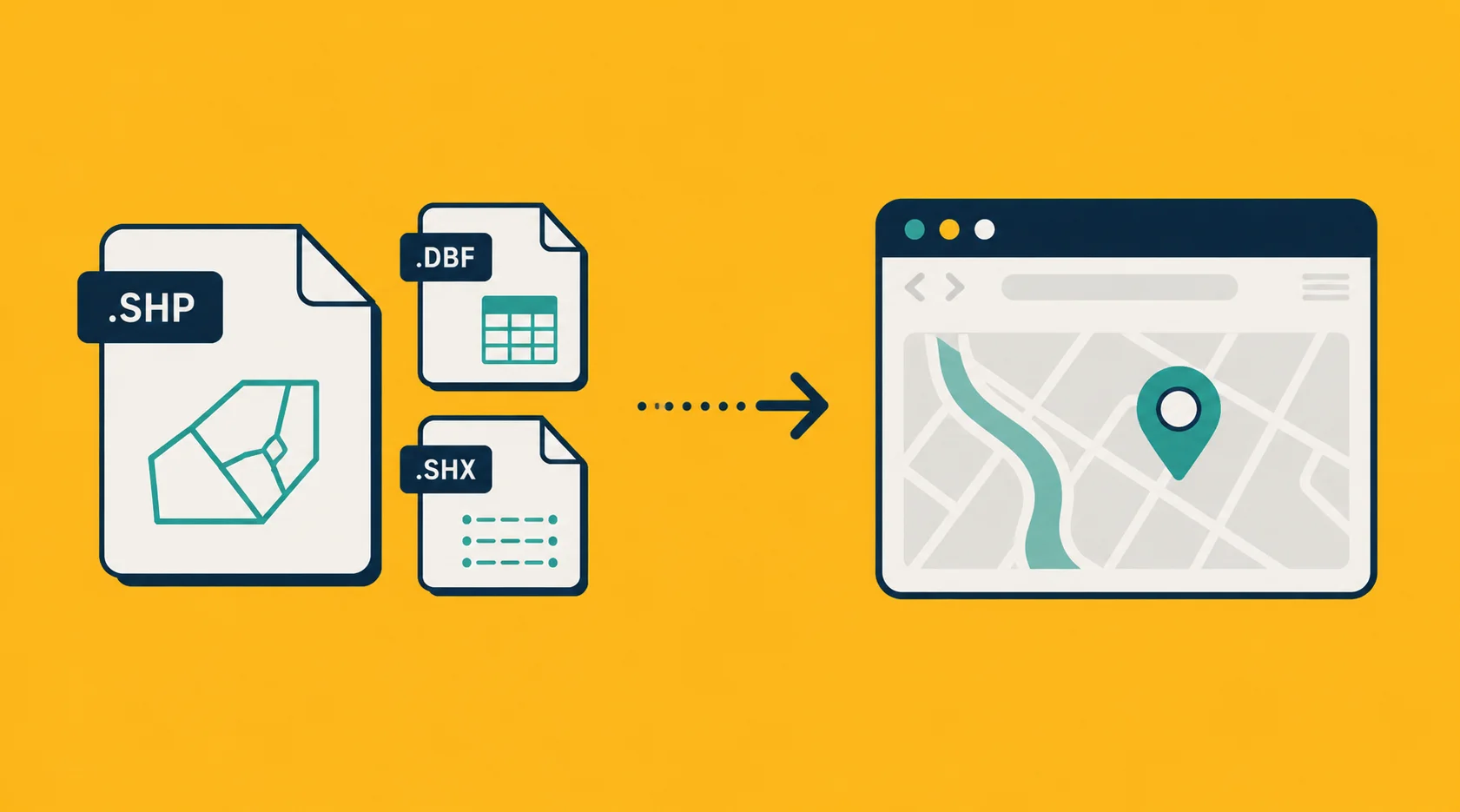
View it without installing desktop software. Georaf accepts a zipped Shapefile directly. Drop the ZIP, and you get a visual preview of every entry, plus a plain-English summary of what's in the file. No software to install.
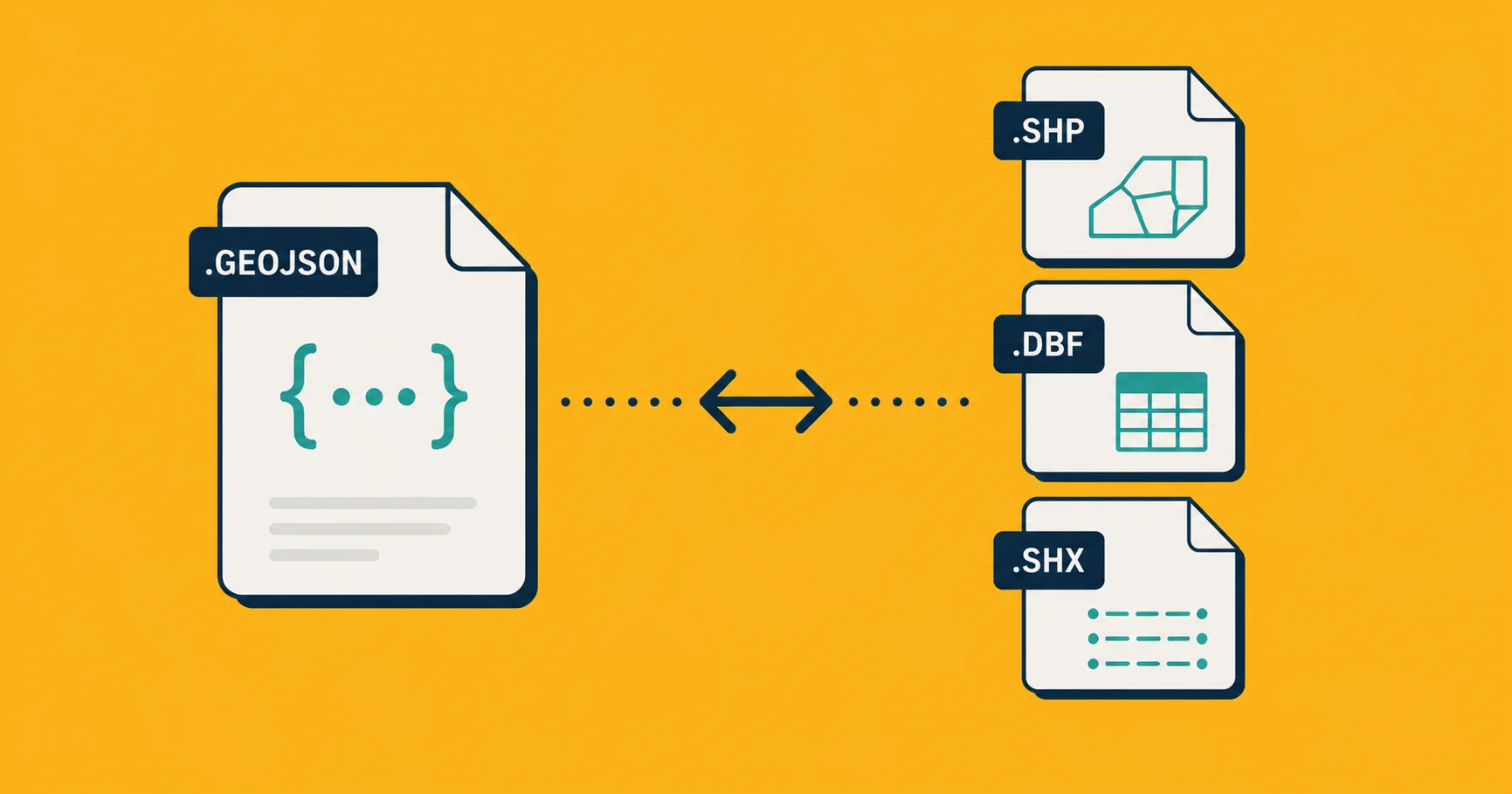
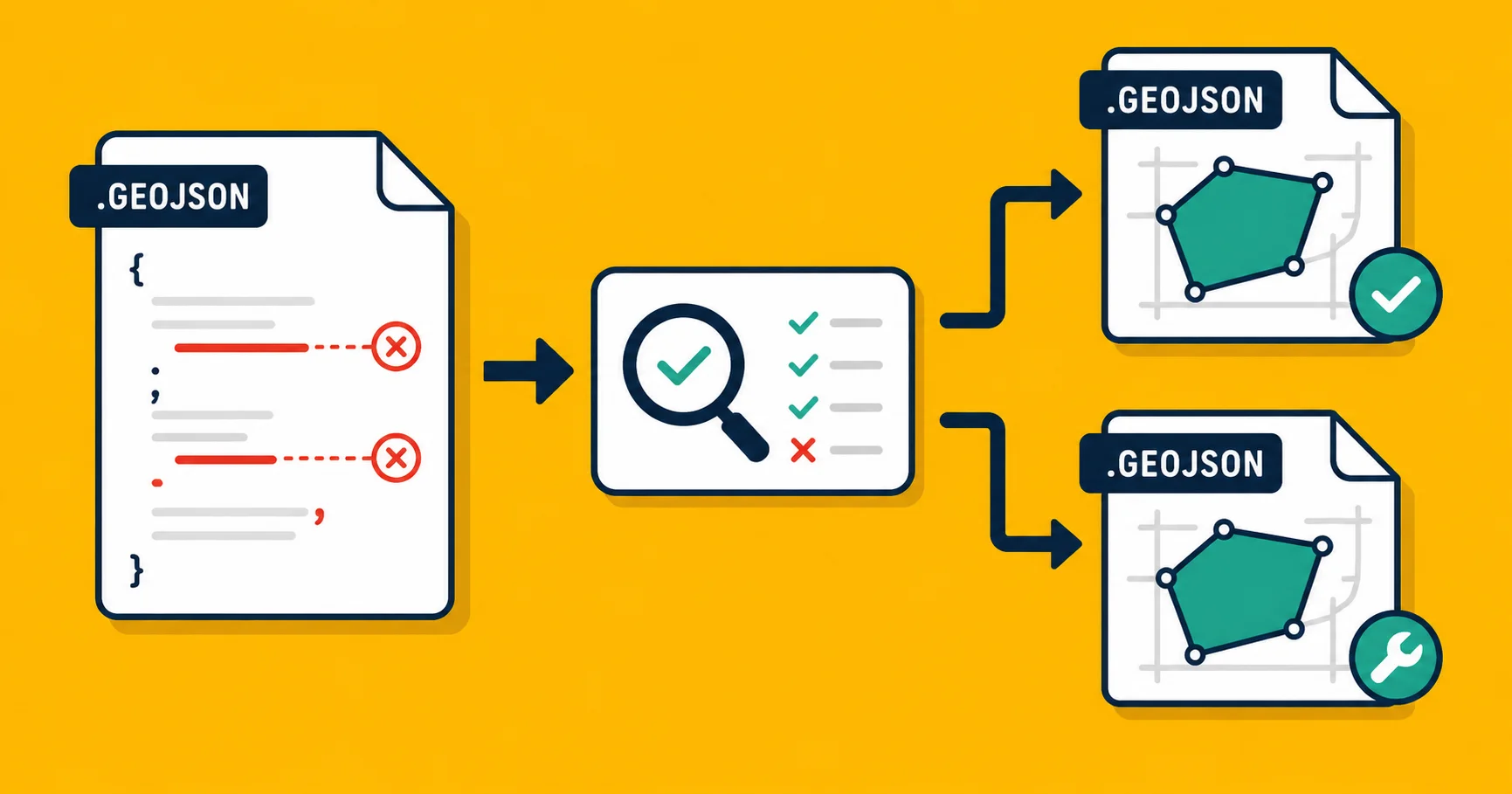
Convert it to GeoJSON. GeoJSON is the modern, web-friendly format for the same data. Georaf converts the ZIP to GeoJSON in one step and flags anything that didn't survive the trip cleanly.
Open it in a GIS tool. QGIS is free and opens Shapefiles natively. The open a Shapefile without QGIS article covers your options if you want to avoid installing a full GIS application.
A note on what "Shapefile" means in practice
People say "Shapefile" to mean the whole bundle of sibling files, even though the .shp file itself is only the geometry part. When someone says "send me a Shapefile," they mean: send me a ZIP containing the .shp, .dbf, .shx, and .prj files, all with matching names, all in the same folder.
If you only send the .shp, you'll probably get a reply asking where the rest of the files are.
The format is messy. It's thirty-plus years old and built around constraints that haven't existed since Clinton was in office. But it works, it's everywhere, and knowing what the files are and what each one does gets you most of the way to working with it confidently.
If you have a Shapefile ZIP you need to do something with today, drop it on Georaf. You'll get a preview, a health check, and the option to convert it to any supported format in one step.