 Georaf Team
GPS Visualizer Alternative: Better Options for Viewing and Converting GPS Data
GPS Visualizer has been the go-to free tool for years. Here is what it does well, where it falls short, and what to use instead in 2026.
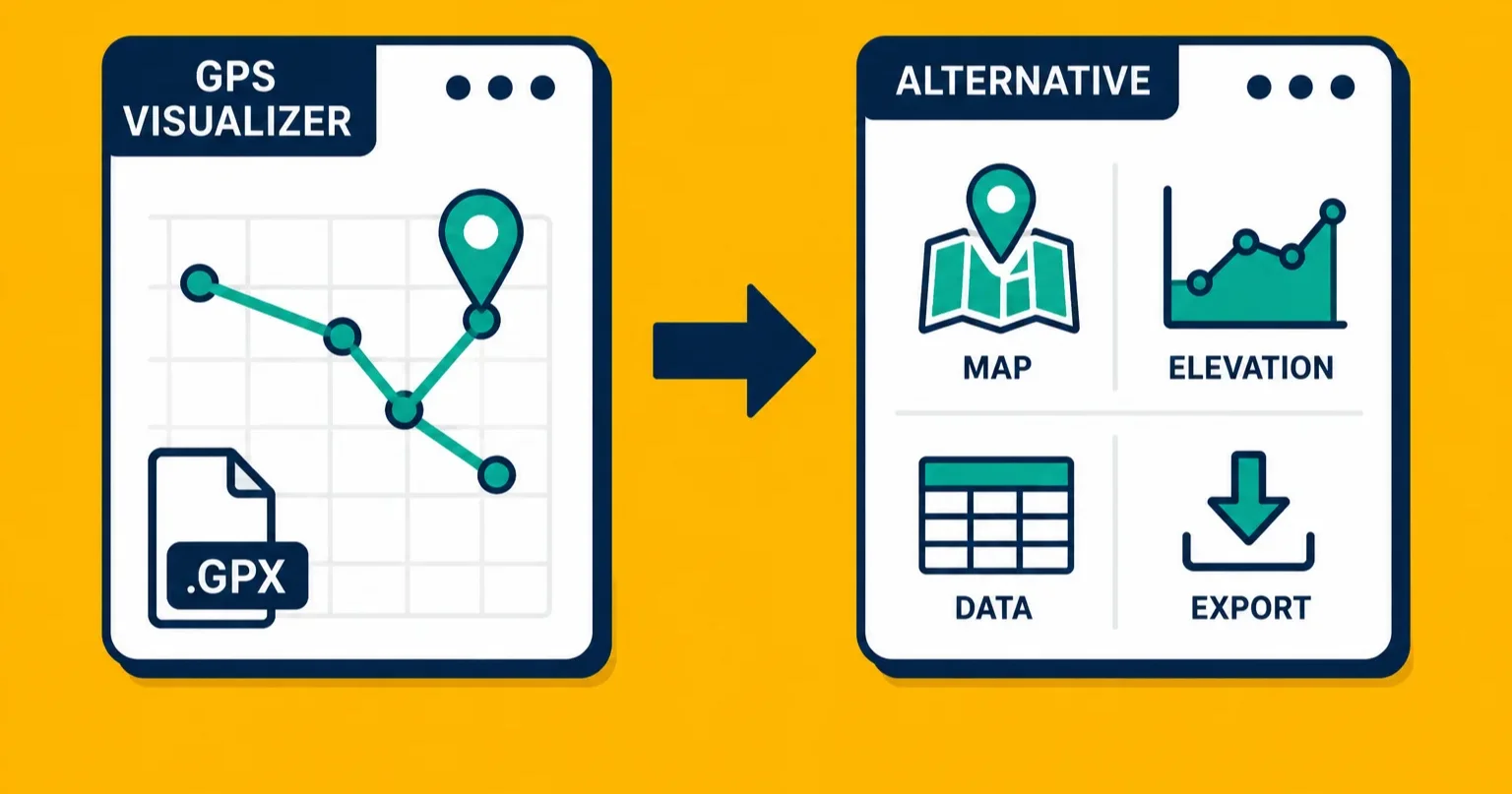
GPS Visualizer has been around since the early 2000s, which in web years makes it ancient. It's free, it handles a wide range of GPS file formats, and generations of hikers, surveyors, and hobbyists have relied on it to plot tracks and convert files. If you've landed here because GPS Visualizer isn't quite doing what you need, this is an honest look at what it does well, where it hits its limits, and what else is out there.
What GPS Visualizer actually does well
GPS Visualizer is genuinely good at a few specific things.
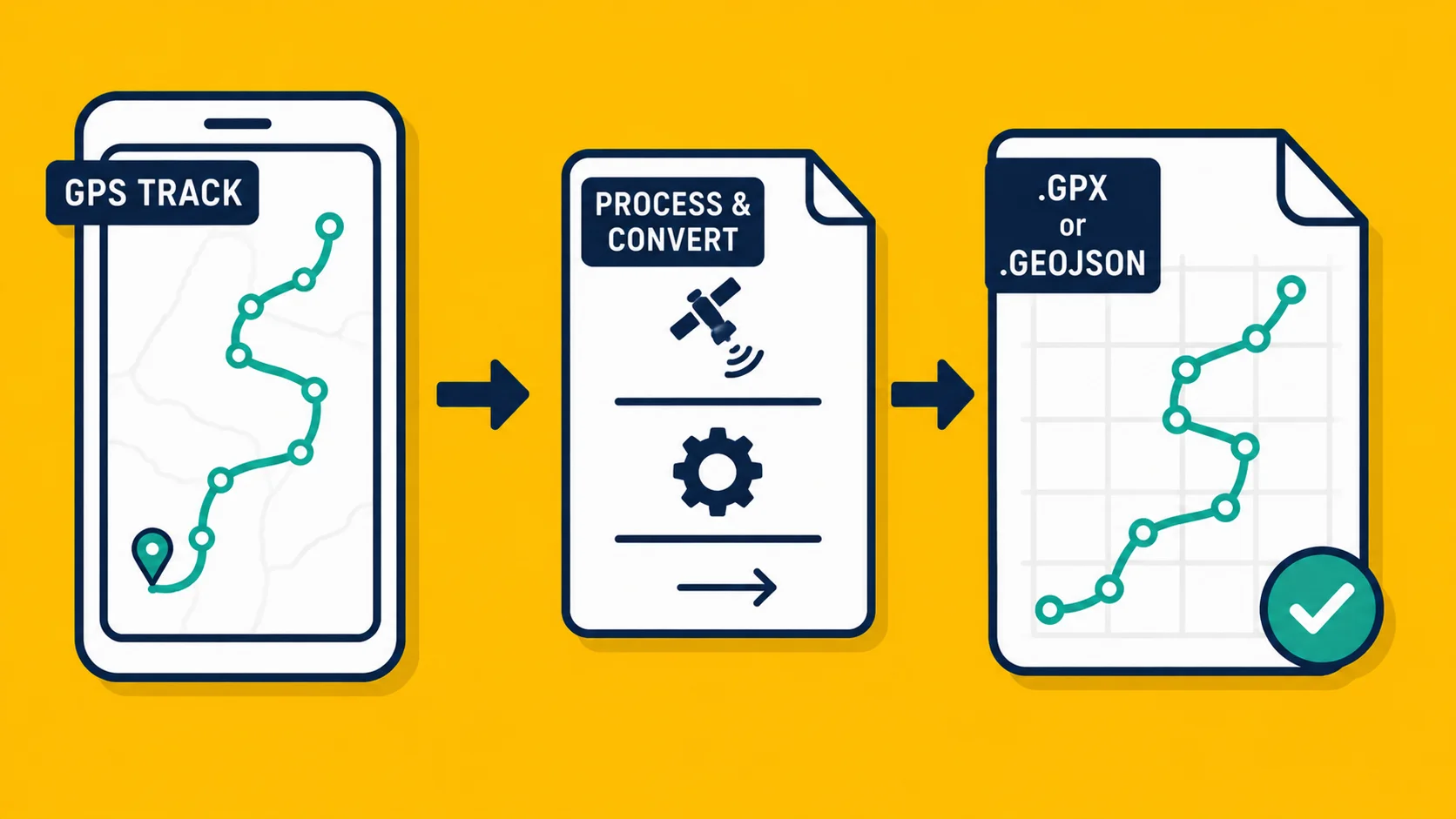
It handles GPX files well. GPX is the format most GPS devices and outdoor apps export, and GPS Visualizer has been reading and plotting GPX tracks for longer than most current alternatives have existed. If you've recorded a hike or a drive and want to see it on a map, it does the job.
It converts between formats. You can take a GPX file and get out KML, CSV, plain text, or a few other formats. For basic format conversion it works, and it's free with no account required.
It has a lot of options. Maybe too many. The interface is dense with settings for track color, line thickness, point display, elevation profiles, and more. For users who know exactly what they want, this depth is useful.
And it's been reliable over many years. That counts for something.
Where GPS Visualizer falls short
The interface is frozen in a previous decade. Navigating GPS Visualizer means parsing a page full of dropdowns, radio buttons, and small text. There's no drag-and-drop, no preview while you're configuring, and no clear path through the tool. If you've never used it before, it's not obvious where to start.
There's no batch processing. If you have twenty GPX files to convert, you do them one at a time.
There's no file validation or health checking. If your file has a problem, GPS Visualizer may produce bad output or fail without a clear explanation of what went wrong. You won't get a report telling you which entries had issues or why.
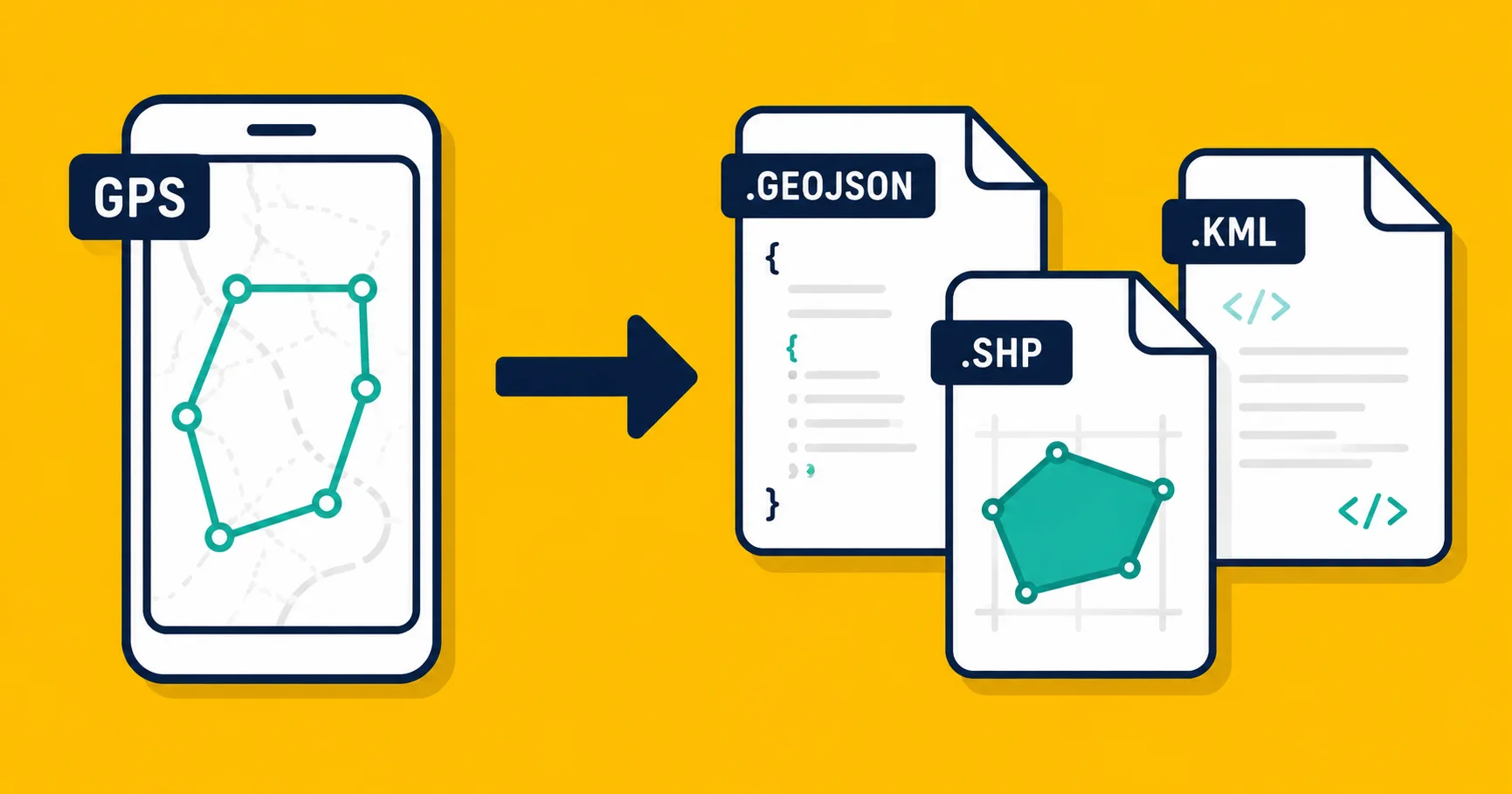
Output formats are limited. GPS Visualizer focuses on GPS-specific formats. If you need a proper GeoJSON, a Shapefile, or a KMZ, the options are thin.
There's no embed generation. You can view a map on GPS Visualizer's site, but you can't get an embed code to put a live map on your own website.
There's no mobile support worth mentioning. The interface doesn't work well on a phone, and there's no app.
There's no API. If you want to integrate format conversion into a workflow or script, GPS Visualizer doesn't offer a programmatic path.
Alternatives, matched to what you're actually trying to do
For collecting GPS data in the field on your phone: Landplot
If the reason you're looking at GPS tools is because you need to record locations, draw boundaries, or collect field data on a mobile device, the right tool isn't a desktop converter at all.
Landplot is a GPS field mapping app built for phones. You walk a boundary, tap to record points, and your data is captured as you go. You can also learn how to record a GPS track properly so you end up with clean data that's easy to work with later.
GPS Visualizer is for after you have the data. Landplot is for getting the data.
For converting and validating geodata files: Georaf
Georaf handles the conversion side with a few things GPS Visualizer doesn't offer: file validation that tells you what's wrong before converting, support for Shapefile, GeoJSON, KML, and KMZ, and a clean interface that works in a browser on any device.
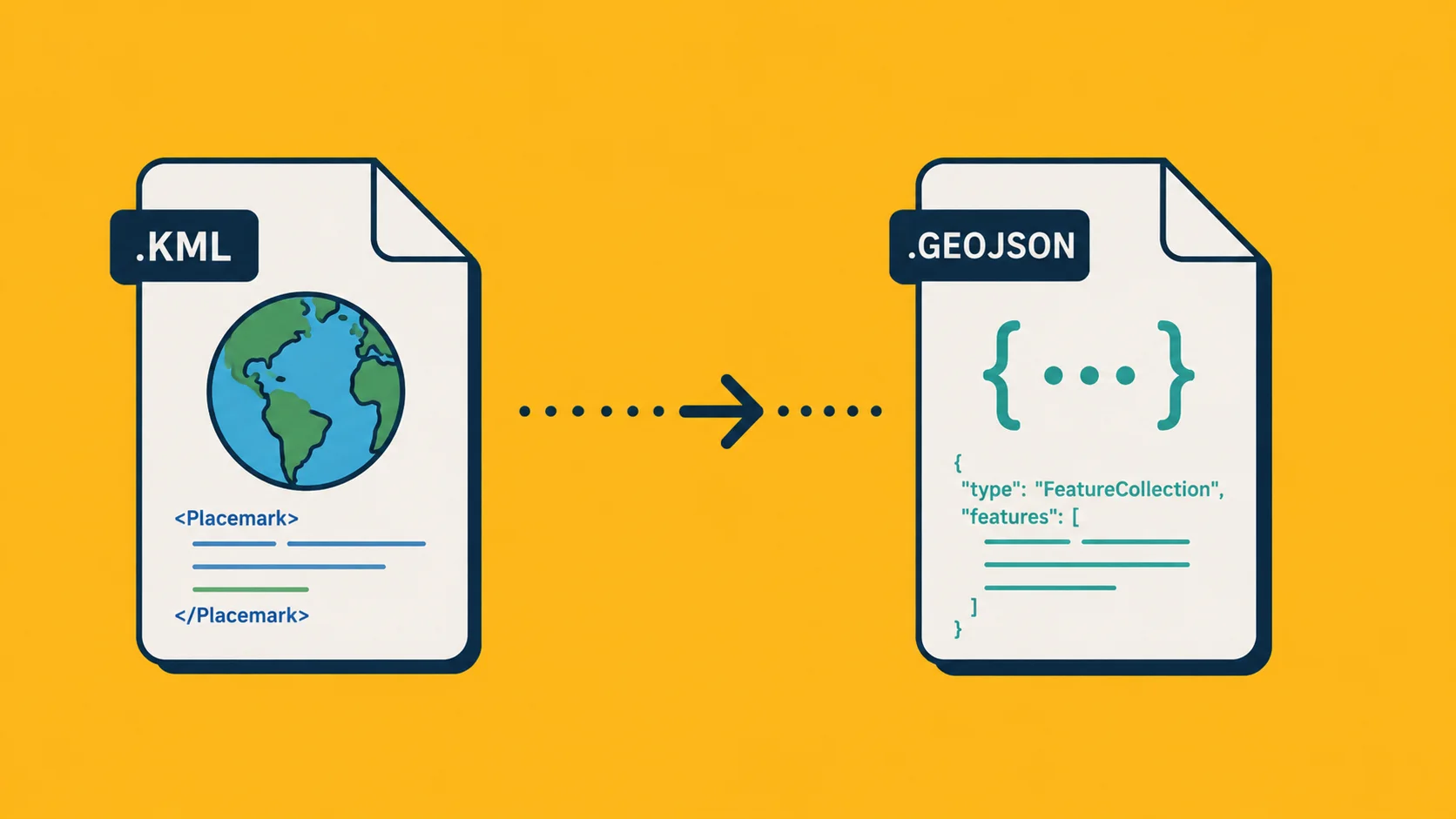
If you're converting a KML file to GeoJSON, for example, Georaf will also flag entries with geometry problems, missing attributes, or encoding issues. You can read more about that process in the KML to GeoJSON guide.
For batch work or integrating conversion into a script, Georaf also has an API.
For embedding a map on your website: Georaf embeds
If you have geographic data and want to show it on a webpage, Georaf generates embed codes you can drop into any site. You upload your file, the map renders, and you get an iframe snippet. GPS Visualizer has no equivalent for this.
For command-line batch conversion: ogr2ogr
If you're comfortable with a terminal and have large files or many files to convert, ogr2ogr is the right tool. It's free, open-source, and handles essentially every geodata format in existence.
ogr2ogr -f "GeoJSON" output.geojson input.gpx
It's not a GPS Visualizer replacement in the visual sense, but for automated or bulk conversion work it's far more capable. Install it via gdal.org.
A note on GPX specifically
GPX is a format GPS Visualizer handles well, and it's worth noting that most modern geodata tools don't include GPX in their conversion options. Georaf, for example, focuses on GeoJSON, KML, KMZ, and Shapefile rather than GPX. If GPX is your primary format, GPS Visualizer remains one of the more straightforward ways to read and convert it. ogr2ogr also handles GPX without trouble if you're comfortable with the command line.
The tools that have emerged since GPS Visualizer was built are generally better at everything except the GPS-specific track formats that GPS Visualizer was designed around. Knowing which tool fits which job makes the difference.
Summary
GPS Visualizer is a solid tool with a long track record for basic GPS track visualization and GPX conversion. It's free and it works. The gaps show up when you need batch processing, file validation, modern format support, embeds, an API, or a usable interface on a phone.
For field data collection, use Landplot. For file conversion and validation, use Georaf. For bulk command-line work, use ogr2ogr. For GPX-specific tasks where you just need something quick and free, GPS Visualizer still gets the job done.