 Georaf Team
How to Validate a GeoJSON File (and What to Do When It's Broken)
GeoJSON files break in subtle ways. How to check yours, what each kind of error means, and how to fix the common ones in plain English.
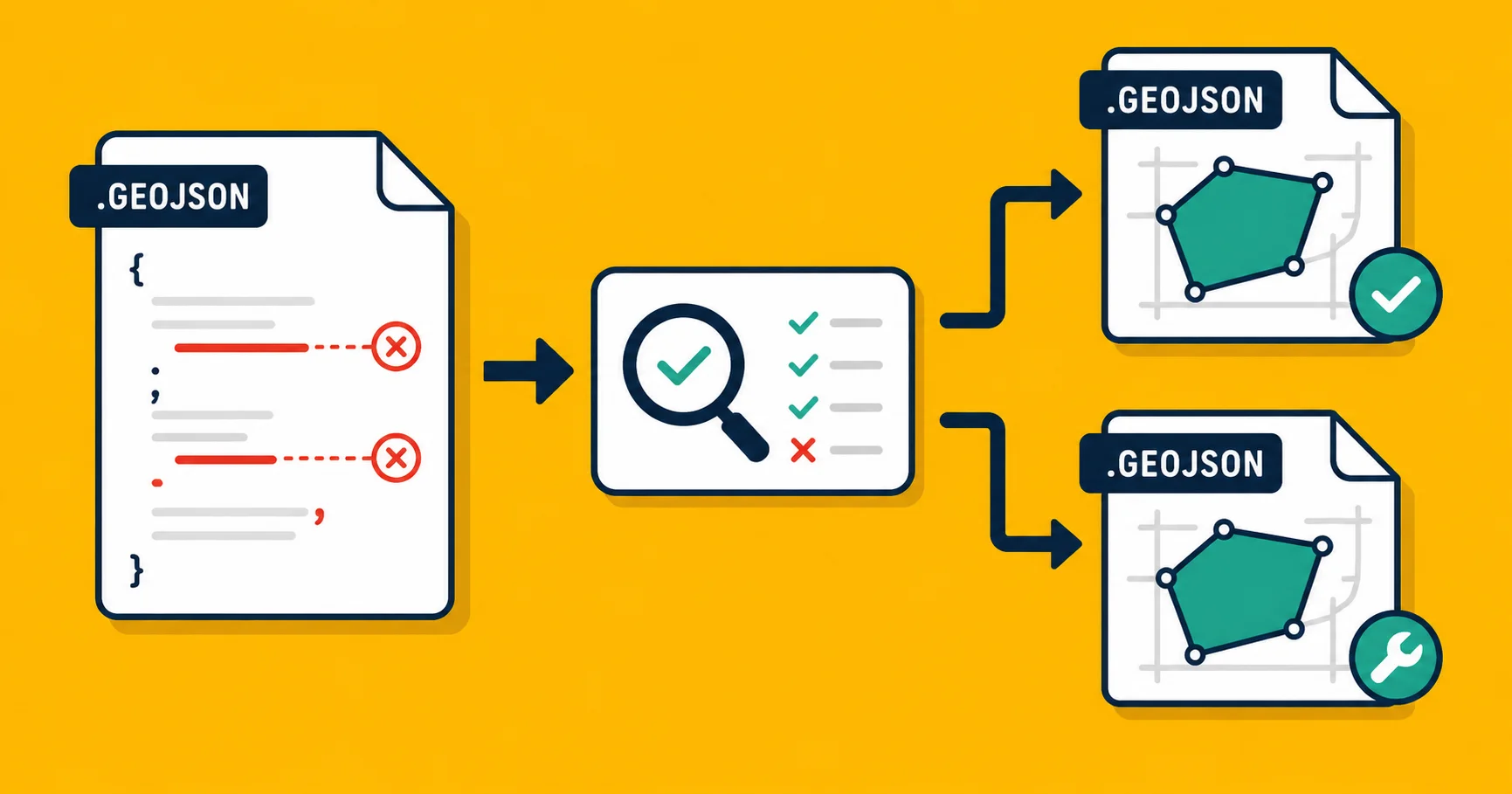
Your GeoJSON file isn't rendering. Or it renders but half the entries are missing. Or the map shows everything in the middle of the ocean. Or one of the libraries you tried throws an error and another one just silently shows nothing.
GeoJSON looks simple, but there are at least five different kinds of "valid" and a file can be broken in any of them while looking technically fine in the others. Here's how to actually check yours.
The five layers of "is this GeoJSON valid"
Most people mean only one or two of these when they say "valid." All five matter.
- Valid JSON. The file parses as JSON at all. A trailing comma or unescaped quote breaks this.
- Valid GeoJSON structure. The top-level object is a
FeatureCollection,Feature, orGeometry, with the right child keys. A typo likefeatursinstead offeaturesbreaks this. - Geometrically valid. Each entry's geometry follows the rules: polygons close, lines have at least two points, coordinates are in the right order. A polygon whose outline crosses itself ("bowtie") breaks this.
- Coordinate-system valid. Coordinates are in WGS 84 (lat/long degrees). Numbers like 5234000 don't fit this and indicate the file is secretly in a different coordinate system.
- Semantically correct. The geometry represents what it's supposed to represent. We can't check this for you, only the source can.
Different tools check different subsets. Most "GeoJSON validators" you find online only check layer 1 and 2. The bugs live in 3 and 4.
Quick check: does it parse?
The fastest sanity check. Drop the file into a JSON viewer or run:
cat my_file.geojson | python -m json.tool > /dev/null
If that's silent, you've got valid JSON. If it errors, you've got a syntax problem (usually a trailing comma, unescaped string, or accidentally pasted BOM character at the start of the file). Fix that first, nothing else works until the JSON parses.
Quick check: does the structure look right?
A GeoJSON file should look like one of three shapes:
A FeatureCollection:
{
  "type": "FeatureCollection",
  "features": [
    { "type": "Feature", "geometry": {...}, "properties": {...} }
  ]
}
A single Feature:
{
  "type": "Feature",
  "geometry": {...},
  "properties": {...}
}
A raw Geometry:
{
  "type": "Polygon",
  "coordinates": [...]
}
If the type field is missing or misspelled, or features is feature, most tools will refuse the file entirely. Fix typos at this layer manually, they're easier to spot in a text editor than to debug in your map library.
The real bugs live deeper
If your file parses, has the right structure, and still doesn't render correctly, the problem is at layer 3 or 4. The common breakages:
Self-intersecting polygons (bowties)
A polygon outline that crosses itself, like a figure-8. Some libraries refuse to draw it. Others draw it but compute the wrong area. Most data-cleaning tools cannot guess what you meant.
How you notice: outlines look distorted on the map, areas are absurd (negative or hugely inflated), or strict tools refuse the entry.
How to fix: most can be auto-repaired. Georaf's health check finds these and offers a one-click auto-fix that untangles the outline.
Unclosed rings
A polygon should start and end at the same coordinate. Some tools forgive this and close it implicitly; strict tools (notably Mapbox GL JS in some modes) refuse the entry entirely.
How you notice: some entries don't render in some libraries. Inconsistent across tools.
How to fix: also a one-click auto-fix. The repair appends the starting vertex to close the ring.
Coordinates outside [-180, 180] and [-90, 90]
GeoJSON officially requires WGS 84, so longitude is in [-180, 180] and latitude in [-90, 90]. Numbers outside that range mean the file is secretly in a projected coordinate system that wasn't declared.
How you notice: the map renders empty, or shows your data in the middle of an ocean far from where it should be.
How to fix: this is not a structural fix, it's a coordinate-system fix. You need to reproject the data from whatever system it's actually in to WGS 84. See our coordinate systems explainer.
Latitude and longitude swapped
The first coordinate in a GeoJSON pair is longitude, the second is latitude. This is the opposite of how humans say it ("lat-long"). When tools or humans swap them, all your London data ends up off the African coast near 0,0.
How you notice: data is in the wrong country, but the geometry shapes are correct.
How to fix: programmatic swap. Most tools have a "swap coordinates" option. Or in ogr2ogr:
ogr2ogr -f GeoJSON -lco COORDINATE_PRECISION=6 -spat -180 -90 180 90 fixed.geojson input.geojson
Winding order wrong
Polygon rings have a "direction." The official GeoJSON spec says outer rings should be counter-clockwise. Most tools don't care. Some strict ones do.
How you notice: rare, but some polygons appear inverted (you see everything except the polygon outlined).
How to fix: tools like mapshaper or geopandas can flip winding orders in one operation.
Property type chaos
Properties can technically be any JSON value, but mixing types in the same field (some entries have population: 1500, others have population: "1500") breaks downstream tools.
How you notice: aggregation functions fail, type-strict tools refuse the file.
How to fix: normalize types in your source data pipeline. There's no quick file-level fix that's safe.
A practical workflow
For a one-off file:
- Parse check: open in a JSON viewer or run
python -m json.tool. If it fails, fix syntax. - Structure check: scan top-level keys, fix typos.
- Visual check: drop the file on a map. If everything looks fine, move on.
- Full check: run a real geometry validator. Georaf's health check is the easy option, it tells you in plain English what's wrong and offers one-click fixes for the common breakages.
For files inside a pipeline:
- Validate as a CI step using
geojson-validate(npm) orgeopandas(Python). - Reject files that fail layer 1-3 at the boundary.
- Log layer 4 (coordinate-system) issues for human review.
Tools that do real validation
Most online "GeoJSON validators" only check layers 1 and 2. The ones worth knowing:
- Georaf health check: full validation including geometry validity, with one-click auto-fix for the common breakages. Plain-language results.
- geojson-validate (npm): command-line, focused on structure. Good for CI.
- geopandas + shapely (Python): scriptable, comprehensive. Good for pipelines.
- mapshaper: command-line and browser, good for visual inspection and basic fixes.
- ogr2ogr with
-skipfailures: shows you what fails on conversion, less direct than a real validator.
The one thing every validator misses
Layer 5, semantic correctness, is the part no tool can check. A perfectly valid GeoJSON of "Berlin parcels" might actually contain Munich parcels with the wrong filename. The geometry validates, the coordinates are sensible, the structure is right. The data is still wrong.
The only check for that is the human kind: look at the map and ask "does this look like what I expected?"
Wrapping up
A GeoJSON file can be technically valid and still produce a broken map. Layer-1 validators catch the obvious things. The bugs that actually waste your afternoon (self-intersecting polygons, swapped coordinates, wrong coordinate systems) live deeper.
If you want a single check that covers all five layers, drop your file on Georaf. The health check returns plain-English findings, and most fixable issues clear with one click. If you want to script the check into a CI pipeline, our API exposes the same validation as the website.