 Georaf Team
GeoJSON vs Shapefile: Which Should You Use in 2026?
Shapefile is the legacy standard. GeoJSON is the modern default. Here is which one to pick for your situation, and when the old answer is still right.
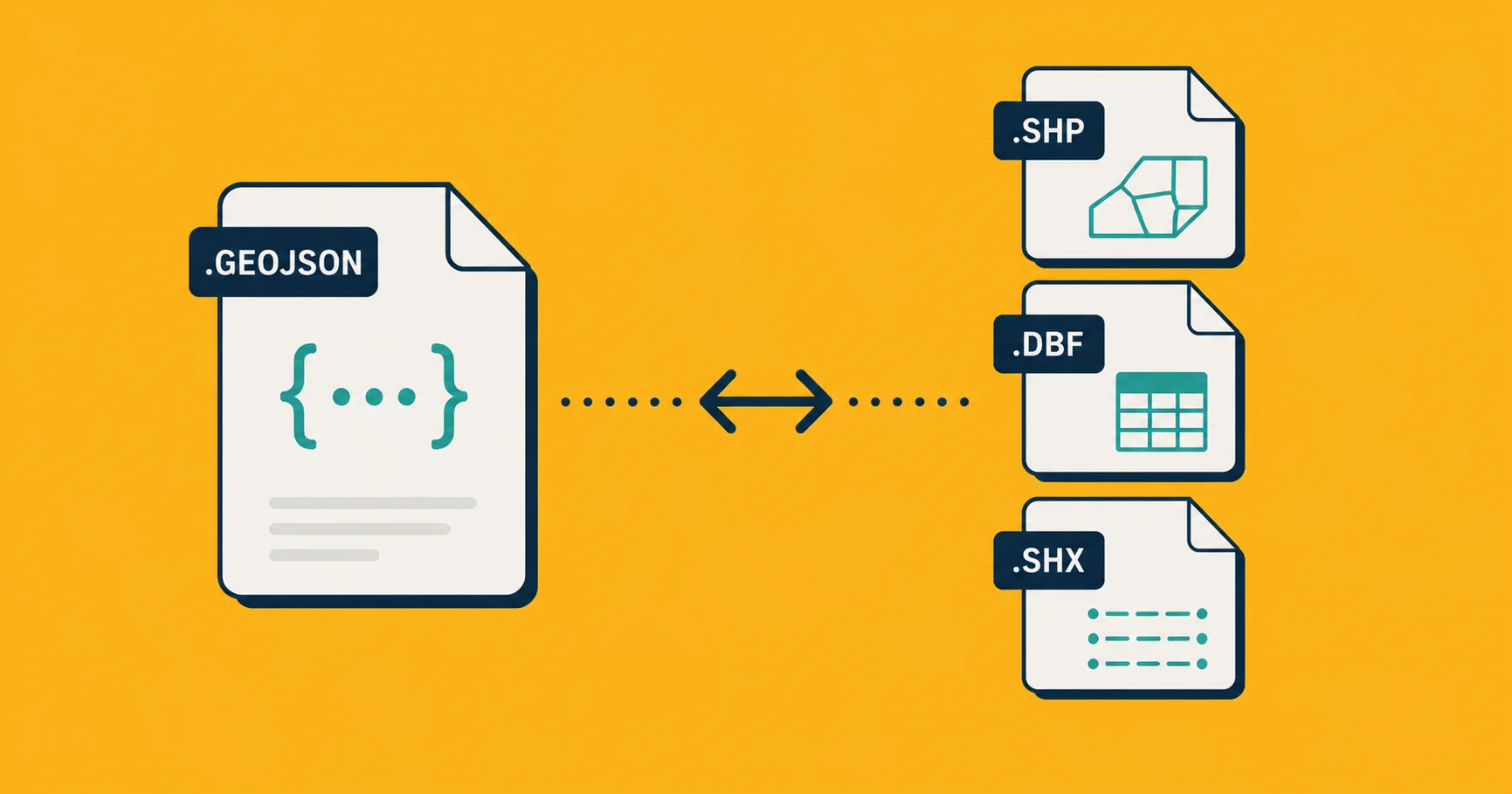
If you're picking a format for geographic data in 2026, the choice is almost always between Shapefile and GeoJSON. Both work. Both are everywhere. Each one is the obvious right answer for a different situation, and picking the wrong one costs you time forever afterward.
Here's the honest comparison.
A 30-second history
Shapefile was introduced by ESRI in 1993 for ArcView. It's a binary format that survived to become the lingua franca of the entire GIS world. Government open-data portals, surveying firms, academic datasets, almost any "download this geodata" link from before 2015 hands you a Shapefile.
GeoJSON was specified in 2008 and standardized in 2016 (RFC 7946). It rode the wave of JSON becoming the universal interchange format for the web. Within a decade it became the default format for browser-based mapping, REST APIs, and anything where humans had to read the data with their eyes.
Both formats are still actively used. Neither is "deprecated." But they're optimized for different worlds.
The comparison at a glance
| Shapefile | GeoJSON | |
|---|---|---|
| File count | 3-7 sibling files | 1 file |
| Format | Binary | Text (JSON) |
| Readable in a text editor? | No | Yes |
| Native in browsers? | No | Yes |
| Max field name length | 10 characters | Unlimited |
| Max field count | 255 | Unlimited |
| Native styling | No | No |
| Coordinate systems | Any | WGS 84 only (officially) |
| Max file size | 2 GB | None (but large files become slow) |
| Property type support | Limited (string, number, date, boolean) | Anything JSON allows |
| Character encoding | Optional, often broken | UTF-8 always |
| Age of format spec | 32 years | 17 years |
| Native to | Desktop GIS | Web, APIs, modern tools |
Where Shapefile is still the right answer
Despite the multi-file weirdness and the 1993 spec, Shapefile remains the correct choice in a few situations:
You're sending data to a government or enterprise GIS workflow. Most state and federal agencies, large engineering firms, and surveying companies still operate in Shapefile. Sending them GeoJSON might force them to convert it back, which means lost properties and headaches. Just send Shapefile.
Your dataset has very precise coordinate-system requirements. Shapefile carries its coordinate system in a .prj sidecar file and supports any of the thousands of EPSG codes natively. GeoJSON officially only supports WGS 84 (though the spec is loosely enforced). For surveyor-grade work in a local projection, Shapefile is more honest.
You're handing data to people who use desktop GIS tools. QGIS, ArcGIS, AutoCAD, MapInfo, every desktop GIS reads Shapefile natively without thinking. Some of them still treat GeoJSON as a second-class citizen.
The dataset is very large. Shapefile's binary format means file sizes for big datasets are often smaller than the equivalent GeoJSON, even after compression. For datasets in the hundreds of MB range, this becomes a real consideration.
Where GeoJSON is the right answer
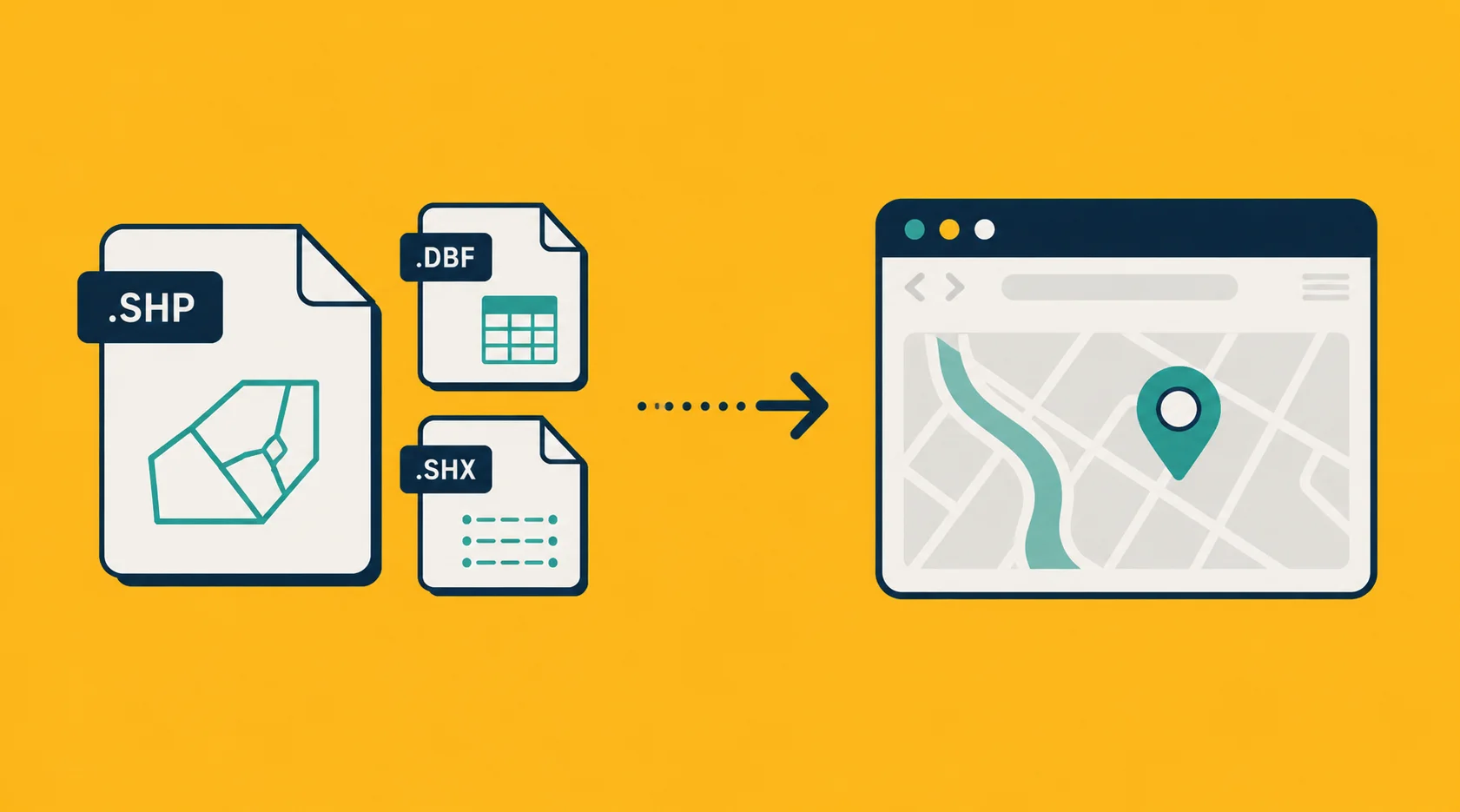
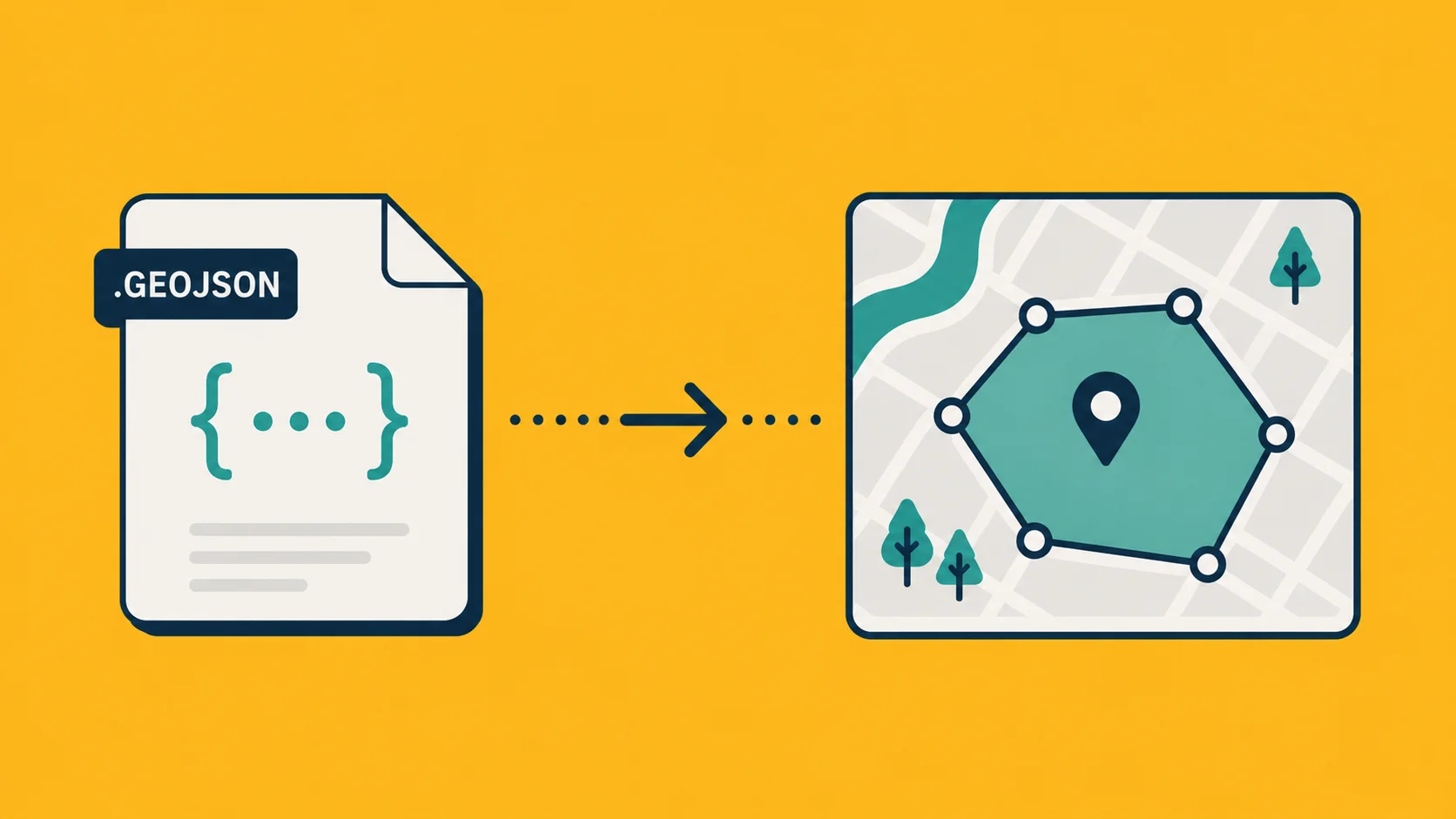
Anything web-based. Browser-based mapping libraries (Leaflet, MapLibre, Mapbox GL, OpenLayers, Google Maps via the right wrappers) all read GeoJSON natively. Loading a Shapefile in a browser means converting it server-side or pulling in a heavy parser library client-side. Not worth it.
API design. REST endpoints that return geographic data return GeoJSON. The spec is small enough to fit on a postcard and every language has a parser. Returning Shapefile from an API would be cruel.
Version control. GeoJSON is text. Diffs are readable, code review works, history tells you what changed. Shapefile in Git is opaque binary; every change re-uploads the whole file and the history tells you nothing.
Modern data pipelines. Most JSON-aware databases (Postgres with PostGIS, MongoDB, Supabase, SQLite with SpatiaLite) have built-in GeoJSON import/export functions. Loading a Shapefile into a modern database requires a separate tool chain.
Anything you want a non-GIS person to be able to read. Open a GeoJSON in a text editor and most people can guess what it does. Open a Shapefile and you see hex.
Embedding in code. GeoJSON drops directly into a JavaScript file or a Python script as a literal value. Shapefile cannot.
The honest decision tree
Are you building anything web-facing?
  → GeoJSON.

Is the recipient a government agency, surveyor, or enterprise GIS team?
  → Shapefile (they'll thank you).

Is the dataset over 200 MB?
  → Consider GeoParquet, FlatGeobuf, or vector tiles. Otherwise GeoJSON.

Do you need to store it in version control?
  → GeoJSON.

Do you need a non-WGS-84 coordinate system carried inside the file?
  → Shapefile, or [reproject](/docs/concepts/coordinate-systems) and use GeoJSON.

Do you need to ship custom styling inside the file?
  → Neither. Use KML/KMZ.

Are you handing it to somebody on a Mac who has no GIS tools?
  → GeoJSON.

Default?
  → GeoJSON.
The pattern is: GeoJSON unless you have a specific reason to use Shapefile. And "this is what we've always used" is a real reason if your recipient expects it.
Converting between them
Both directions work and are mostly lossless.
Shapefile to GeoJSON is the easier direction. Almost everything survives the trip. The only loss is potential precision in floating-point coordinates (rarely meaningful), and the truncation of any field names that were over 10 characters (Shapefile's hard limit). You can drop a zipped Shapefile on Georaf and get GeoJSON in seconds, with a quality check on the way through.
GeoJSON to Shapefile has more friction. Field names get truncated to 10 characters (so population becomes populatio). Properties with nested objects or arrays get dropped. Long strings get cut. If your GeoJSON has rich, modern data structures, Shapefile will flatten them. Plan for that.
In either direction: our converter handles it, as does ogr2ogr (the command-line workhorse, see our KML guide for installation notes).
What about other formats?
Worth knowing the alternatives, briefly:
- GeoPackage (
.gpkg): Modern SQLite-based format. Combines the best of Shapefile (single file, binary efficiency) with the best of modern formats (rich types, no field-name limits). Increasingly the recommended format for desktop GIS work. We don't currently support it, but QGIS handles it natively. - FlatGeobuf: A streaming-friendly binary format. Great for very large datasets served over HTTP. Niche but growing.
- GeoParquet: Columnar binary format. The right answer for analytics on huge geospatial datasets. Becoming the standard in data-science workflows.
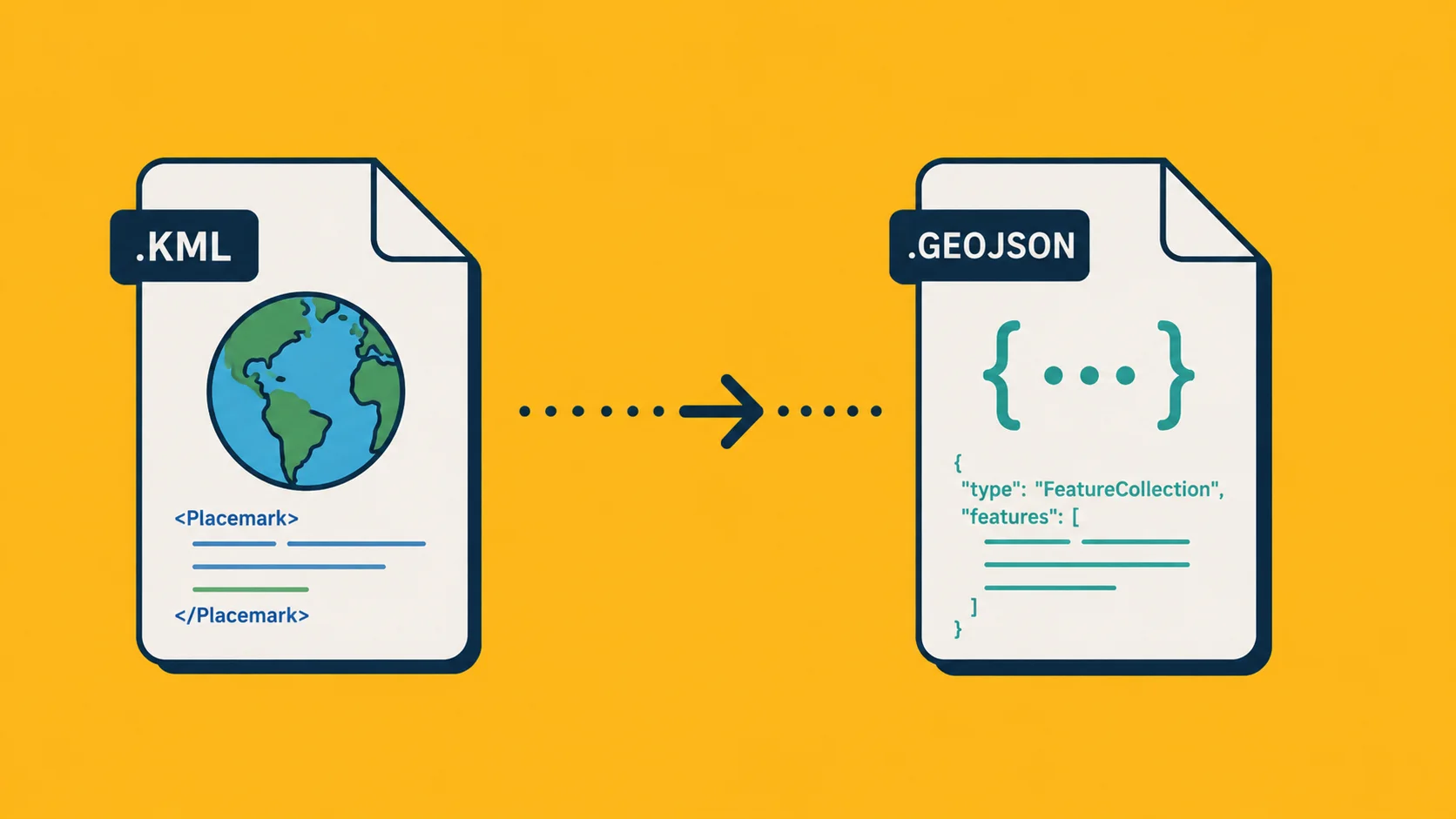
- KML / KMZ: Google's format. See our piece on KML vs KMZ for when to use each. Mostly relevant if you're working with Google Earth.
For most day-to-day work, you'll see GeoJSON and Shapefile. The rest is good to know about but not part of the everyday decision.
Wrapping up
If you don't have a specific reason to pick Shapefile (a recipient who expects it, a coordinate system that requires it, a tool that only reads it), use GeoJSON. It's smaller, simpler, web-native, and friendlier to every modern workflow.
If you do have one of those reasons, use Shapefile and don't feel bad about it. The format is older than most of your colleagues, and it works.
Either way, Georaf converts between them in one click, with a validity check so you know what survived the trip.