 Georaf Team
KMZ vs KML: What's the Difference, and Which Should You Use?
KMZ is a zipped KML with extras. A practical explainer of the difference, when to pick one over the other, and how to open or convert either.
You got a file. It ends in .kmz or .kml. The names look almost identical and nobody ever bothered to tell you the difference, so you're left guessing whether it matters.
It does matter, but not in a complicated way. Here's the whole picture.
The short version
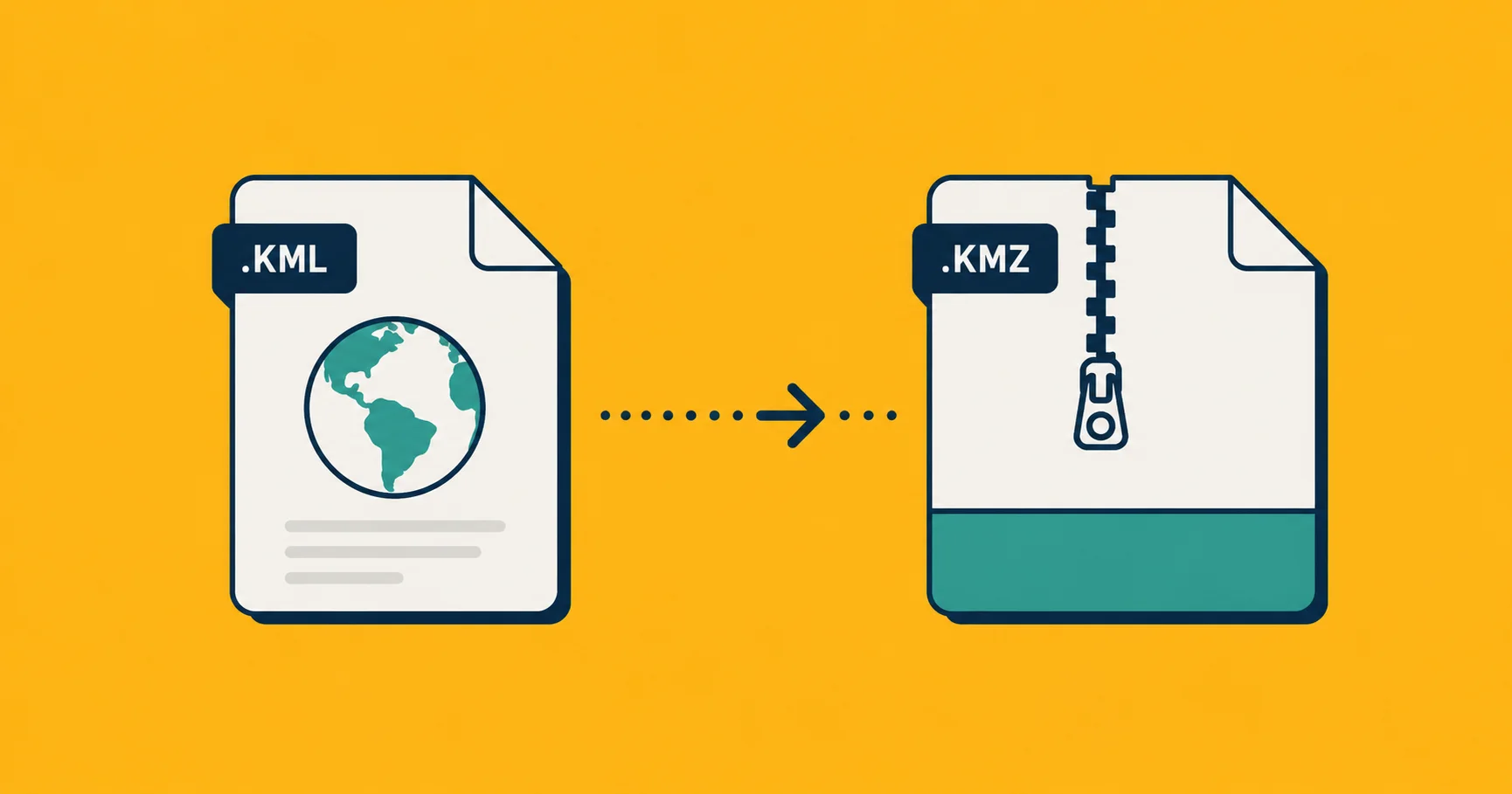
KML is a plain-text XML file. You can open it in any text editor and read it directly. Filenames end in .kml.
KMZ is a zip archive. Inside that zip is one KML file (usually called doc.kml) plus, optionally, image files used by the KML for icons, ground overlays, or photos. Filenames end in .kmz.
That's the whole technical difference. A KMZ is a KML in a zipped container, sometimes with image assets along for the ride.
Why the format exists at all
Google Earth introduced KML in the mid-2000s as the format for "places saved in Google Earth." It's XML-based, which means it's verbose but human-readable. You can open a KML, find a typo in a label, fix it, save, and the change works.
KMZ came along to solve two problems:
- File size. XML compresses very well, often 80-95%. A 10 MB KML becomes a 700 KB KMZ. For email, downloads, or any place where size matters, KMZ is much friendlier.
- Bundled assets. If your KML references custom icons or photo overlays (the little images that show up when you click a placemark in Google Earth), those images had to live somewhere reachable. With KMZ, you bundle them inside the same zip, and everything ships as one file.
If your file has no custom images and you don't care about size, KML and KMZ are functionally interchangeable. The same data, in two wrappers.
When to use which
Use KML when:
- You want to read or edit the file in a text editor.
- You're scripting against the file and don't want to deal with unzipping.
- File size doesn't matter (small files, internal tools, dev work).
- You're showing somebody the structure to teach them.
Use KMZ when:
- You're emailing or downloading the file (smaller, faster).
- You have custom icons or ground overlays the file depends on.
- You want a single artifact rather than a folder of pieces.
- You're shipping the file to non-technical recipients who would lose the icon files if they were separate.
If you're storing geographic data in version control (a Git repo), use KML. The text form means diffs are readable, code review works, history is meaningful. A KMZ in Git is just an opaque binary that re-uploads in full on every change.
How to read what's inside
You can crack open a KMZ with any unzip tool:
unzip my_file.kmz -d my_file/
You'll get a folder containing doc.kml (the main file) and possibly a files/ directory with images. On a Mac you can also just rename .kmz to .zip and double-click. Same on Windows.
Once you have the doc.kml, open it in a text editor and you'll see something like this:
<?xml version="1.0" encoding="UTF-8"?>
<kml xmlns="http://www.opengis.net/kml/2.2">
  <Document>
    <Placemark>
      <name>Brandenburg Gate</name>
      <Point>
        <coordinates>13.4050,52.5200,0</coordinates>
      </Point>
    </Placemark>
  </Document>
</kml>
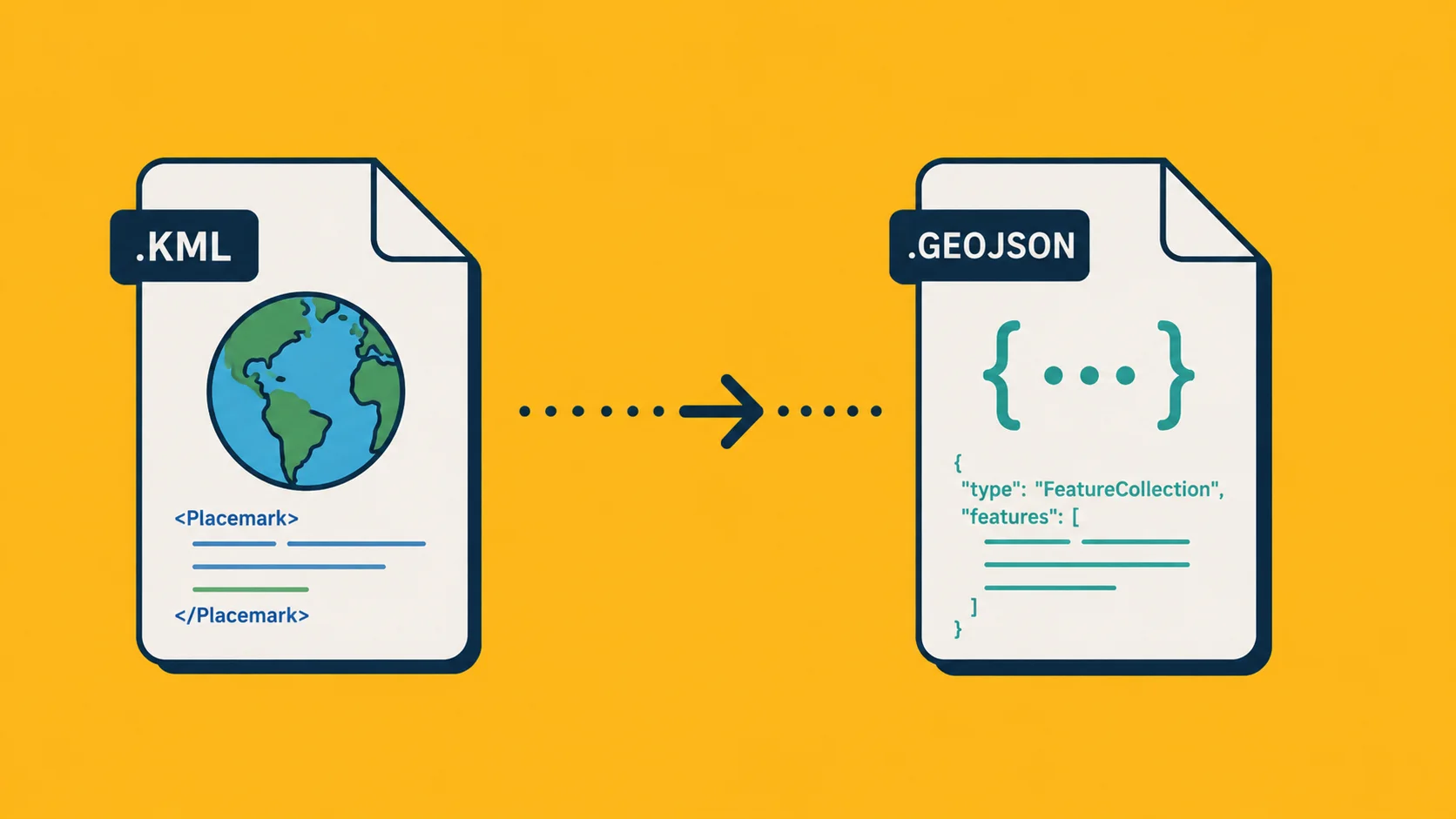
That's the same Brandenburg Gate point you'd write as one feature in GeoJSON, just in XML rather than JSON.
How to convert between them
KML to KMZ: zip it. Literally any zip tool works. Make sure the KML inside is named doc.kml for maximum compatibility with older readers, though most modern ones accept any name.
zip my_file.kmz doc.kml
KMZ to KML: unzip, take the doc.kml. Done.
Either to GeoJSON, Shapefile, or anything else: drop the file on Georaf, pick your output format, click Convert. KMZ doesn't need to be unzipped first. We see a lot of files come through this way, and KMZ is by far the more common starting format for real-world data.
If you're scripting, ogr2ogr handles both:
ogr2ogr -f GeoJSON output.geojson input.kmz
Tools that work with each
Most modern mapping tools handle both formats interchangeably. The ones to know:
| Tool | Reads KML | Reads KMZ |
|---|---|---|
| Google Earth | Yes | Yes |
| Google My Maps | Yes | Yes |
| QGIS | Yes | Yes |
| ArcGIS | Yes | Yes |
| Georaf | Yes | Yes |
| Leaflet / MapLibre (in browser) | With a plugin | With a plugin |
| Mapbox Studio | Yes (import) | Yes (import) |
For browser-based mapping libraries (Leaflet, MapLibre), neither format is natively supported. You'll want to convert to GeoJSON first. It's a one-step thing.
Things that catch people out
The KMZ has no .kml inside. Some tools name the main file something other than doc.kml. Open the archive and look for any .kml, it'll be there.
Old KMZs reference broken image paths. If the KMZ was generated years ago against image assets that no longer exist, the placemarks will render without their custom icons. The location data is still fine, only the styling breaks.
KML and KMZ both lose data on the way to GeoJSON. Styling is the casualty. Line colors, icon images, balloon descriptions with HTML formatting — none of that survives the trip to GeoJSON. The coordinates and properties come through cleanly. If you need styling, keep the file as KML or KMZ.
Some "KML" files are actually KMZ with the wrong extension. Rare, but it happens. If a KML file refuses to open in a text editor and looks like binary garbage, it's probably actually a KMZ. Rename it and try again.
Coordinate order is longitude, latitude, altitude. Like GeoJSON, KML lists longitude before latitude. Different from how humans say it. If your file shows data in the wrong country, this is the first thing to check (along with the coordinate system).
The decision in 30 seconds
- One small file, just data, no styling? KML is fine.
- File has images, you're emailing it, or it's large? KMZ.
- Need it as GeoJSON for a web map? Convert with Georaf.
- Need it in Google Earth? Either works, double-click.
Both formats are 2000s-era. They're not going away because Google Earth and Google My Maps are still widely used, but they're not the future of geographic data interchange either. For new work, prefer GeoJSON. For interop with existing systems, you'll keep seeing KML and KMZ for years.