 Georaf Team
How to Measure Land Area With Your Phone (No Surveyor Needed)
You can measure a field, plot, or property from your phone using GPS. Here is how it works, how accurate it is, and what apps actually produce usable files.
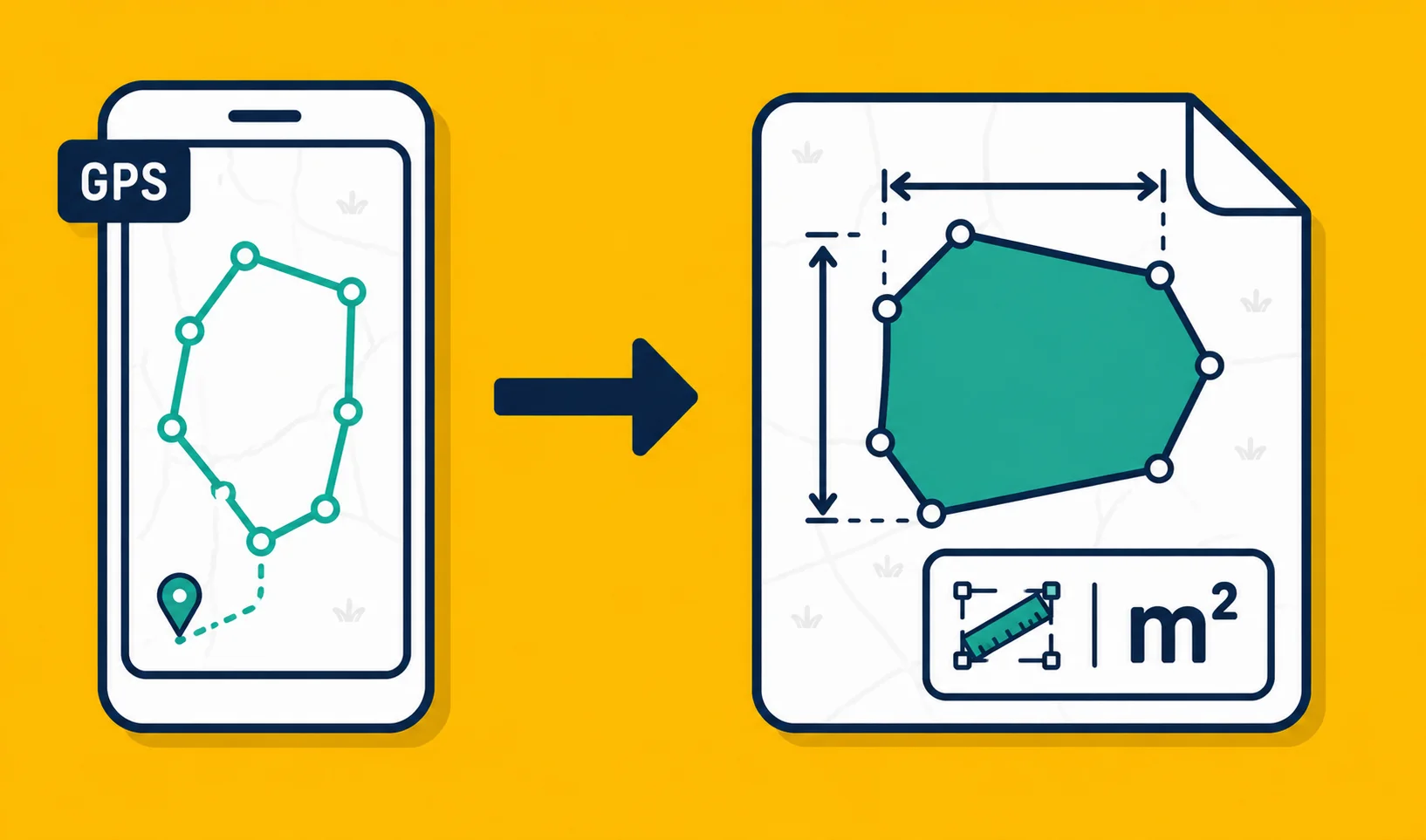
Your phone knows where it is, to within a few meters, at all times. That's accurate enough to measure a field, check the size of a property, or mark the boundary of a site you're standing on. You don't need a surveyor for this, and you don't need any specialized equipment. What you do need is the right app and a realistic idea of what "accurate enough" actually means.
Two ways to measure from a phone
There are two fundamentally different methods, and they suit different situations.
Method 1: Tap out corners on a satellite image. You open the app, look at a satellite view of the area you care about, and tap each corner of the boundary. The app draws a closed outline and shows you the area. Works anywhere, at any time, from your couch. Accuracy depends on how well you can see the boundary from above, and how precisely you can tap.
Method 2: Walk the boundary with GPS tracking. You stand at the edge of the area, start GPS recording, and walk the perimeter. The app traces your path, closes the loop, and calculates the area. Works especially well for irregular shapes, curved boundaries, or sites where the edges aren't obvious from a satellite image.
Both methods produce the same kind of result: a polygon that you can measure, save, and export.
How accurate is phone GPS?
Honest answer: consumer phone GPS is accurate to roughly 3 to 5 meters in good conditions. Tall buildings, dense tree cover, and bad weather can push that to 10 meters or more.
For a field that's a few hectares, 5 meters of error at the boundary is a small fraction of the total area and probably won't matter for your purpose. For a 50 m x 50 m plot, that same 5-meter error is a much larger proportion of the size, and the measurement becomes less reliable.
What phone GPS is good enough for:
- Estimating field size for crop planning
- Roughing out a property boundary for a real estate listing
- Recording a site for fieldwork or inspection
- Confirming that a parcel is roughly the size you were told
What it is not good enough for:
- Legal land registration or subdivision
- Boundary disputes
- Anything requiring survey-grade accuracy (that needs a total station or a GNSS receiver with correction services)
If you need the measurement to hold up in a legal context, hire a licensed surveyor. If you need it for practical fieldwork, your phone is fine.
Walking the boundary
For the walk method, here's how it goes in practice.
Start at a recognizable point, ideally a corner. Start GPS recording in the app. Walk the perimeter at a steady pace, staying as close to the actual boundary as you can. If you're measuring a field, walk along the fence line rather than inside it. When you get back to where you started, stop recording.
A few things to watch for:
Stay consistent on one side of the boundary. If you walk inside the fence on one stretch and outside on another, you'll introduce a consistent error around the entire perimeter. Pick one side and stick to it.
Walk slowly at corners. GPS plots points at regular intervals. If you round a corner too fast, the path cuts the corner and underestimates the area. Slow down slightly when you change direction.
Let the GPS settle before you start. When you open the app, wait 30 to 60 seconds before starting to record. Most phones acquire a more accurate position after a brief warm-up, especially the first time you use GPS in a new location.
Check the trace afterward. Any app worth using will show you the recorded path on the satellite image. Zoom in and check that it follows the boundary, not a wandering line across the middle of the field.
Tapping corners on a satellite image
For the tap method, accuracy depends on how good the satellite imagery is and how well you can see the boundary.
Modern satellite imagery in populated rural areas is often good enough to place corners within 1 to 3 meters. In remote areas or areas that haven't been updated recently, the imagery might be off by more.
Tips for getting this right:
Zoom in as far as the image lets you. Don't tap at a zoom level where the entire field fits on screen. Zoom until you can see the fence posts or the edge of the vegetation.
Look for contrast. Fence lines often appear as faint linear marks. Crop boundaries show up as color or texture changes. Shadows from hedges or walls can also help you find the exact edge.
Tap corners, not midpoints. If the boundary has a curve, add extra points along the curve rather than just anchoring the two ends.
Tap methods work well for fields with hard edges (fences, roads, walls). They work less well for organic boundaries like riverbanks or vegetation edges, where walking gives you a more honest result.
What to do with the measurement
Once you have the boundary drawn and the area calculated, you have a few options.
Save it. Any decent app saves the entry to a project. Give it a name that will make sense later.
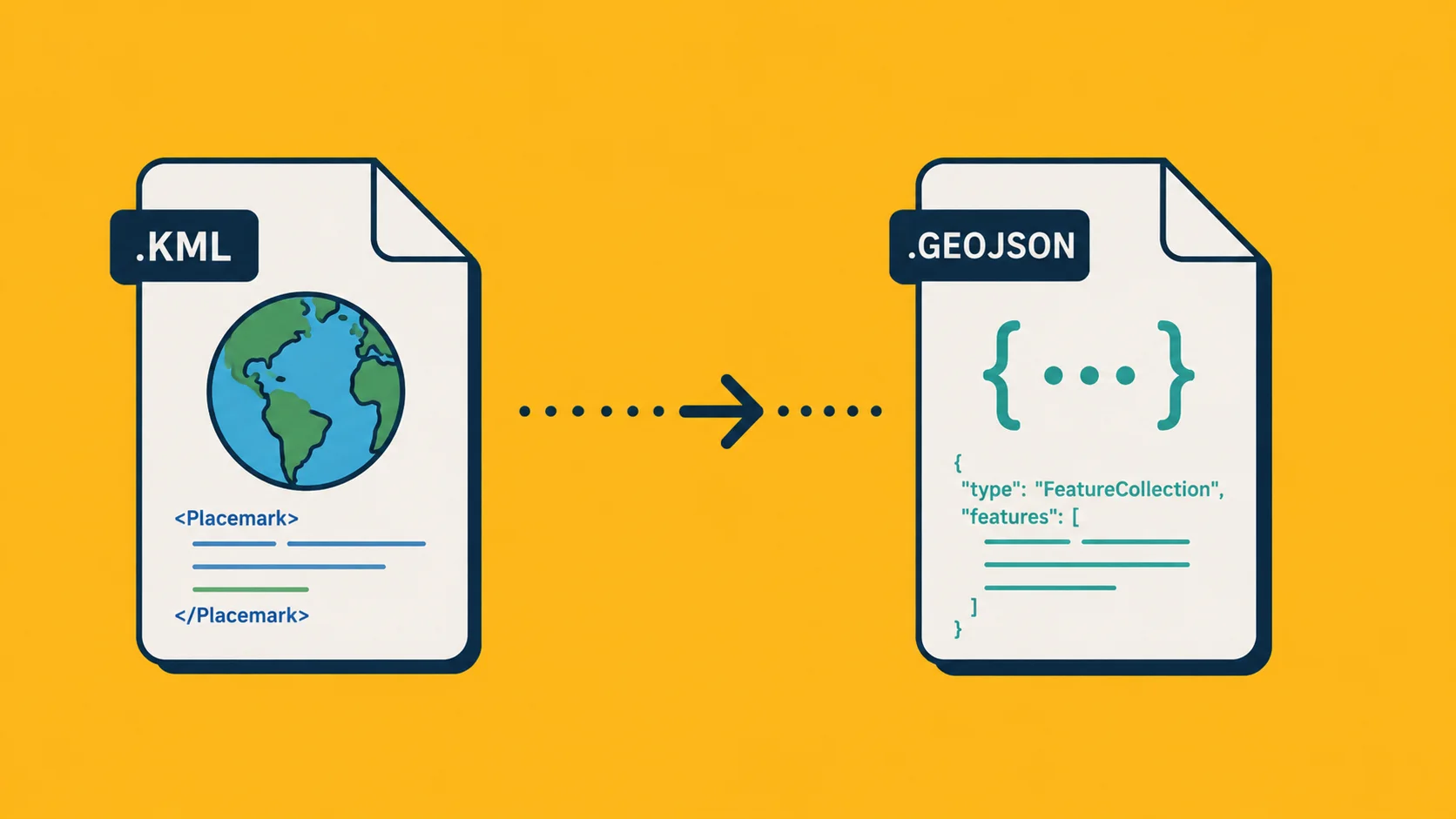
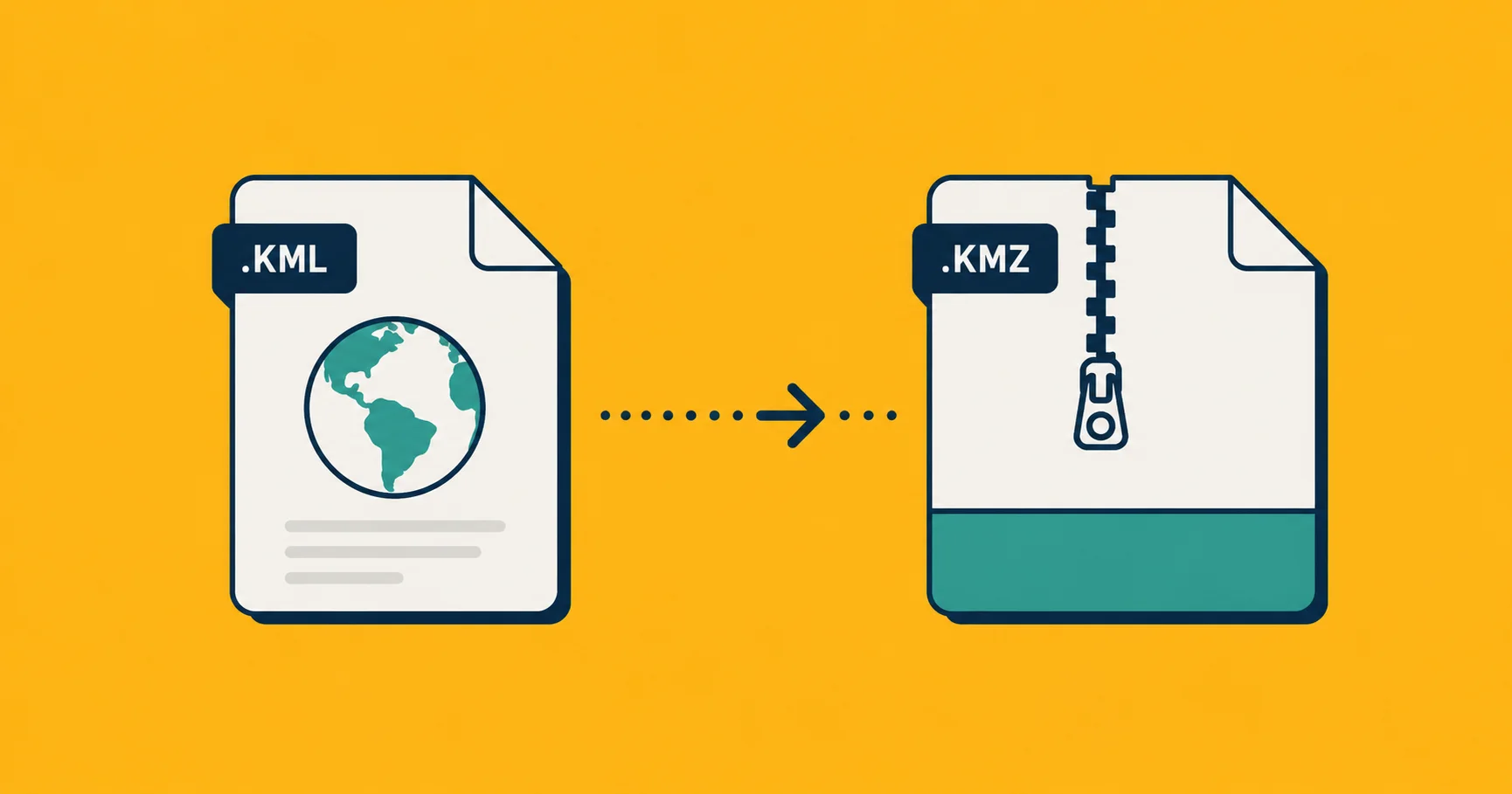
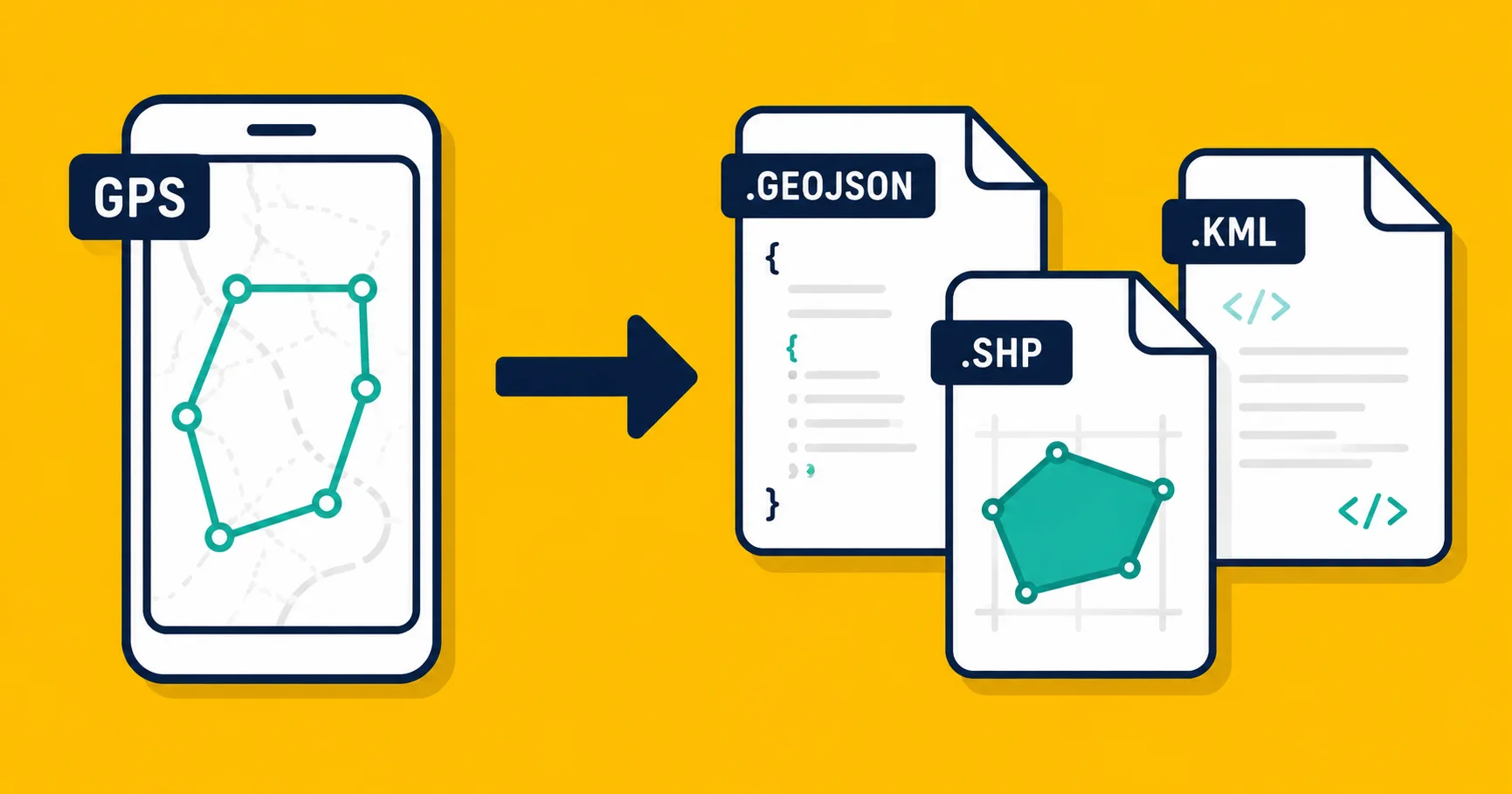
Export it. KML or KMZ will open in Google Earth, which is a good way to sanity-check the result against more imagery. GeoJSON is what you want if you're loading the data into a web tool or sending it to a developer. For most sharing purposes, KML works.
Upload to georaf.com. If you need to convert the exported file to a different format (say, Shapefile for a government submission, or GeoJSON for a web map), drop it on georaf.com and pick the output format. The converter also runs a quality check on the data and flags anything that might not load correctly in other tools.
The app for this: Landplot
There are a handful of apps that let you do this. The one we'd recommend is Landplot, which is free and available on both iOS and Android.
It handles both methods described above: you can tap corners on the satellite map or start GPS tracking and walk the boundary. Measurements update live as you add each point. You can mix markers, outlines, and GPS tracks in the same project. Entries can have photos attached, which is useful if you're doing site documentation alongside the mapping.
The export formats are KML, KMZ, and GeoJSON, which covers every practical downstream use: Google Earth, QGIS, ArcGIS, and web tools all accept at least one of those. A detailed walkthrough of how the app works is in the Landplot GPS field mapping guide.
It doesn't require an account and works offline once the satellite imagery is cached, which matters when you're in a field with no signal.
When tapping beats walking (and vice versa)
The tap method is faster and works when the boundary is visible from above. Walk it when:
- The boundary is under dense tree cover that obscures the satellite image
- The shape is complex or curved and hard to tap accurately
- You're not sure exactly where the boundary runs and you want the record to reflect the actual ground conditions
- You need to record something that doesn't yet have a physical marker (a proposed fence line, for example, won't show up in satellite imagery)
For most agricultural fields, either method works and the results are close. For irregular or wooded sites, walking gives you a better result.
Checking your result in Google Earth
After exporting, opening the file in Google Earth is a quick sanity check. Google Earth has detailed satellite and aerial imagery, often from multiple dates, and the overlay lets you see whether your traced boundary actually lines up with what's on the ground.
If your KML boundary shows up 50 meters to the left of the actual field, something went wrong, either with GPS accuracy (unlikely if it was a clear day), with the coordinate system (possible if the app had a bug), or with the imagery alignment in the original app. Google Earth's imagery is well-calibrated, so if it disagrees with your trace, look at the trace.
Practical accuracy targets
To close the loop: for practical land area measurement from a phone, expect results that are accurate to within 1 to 5 percent for fields larger than about 0.5 hectares in open terrain. Smaller areas, tree cover, and complex shapes all push toward the lower end of accuracy.
For crop planning, field inventory, or site documentation, that's fine. For anything legally binding, it's not, and you should say as much to anyone you share the measurement with.