 Georaf Team
Mapshaper Alternative: When You Need Something Simpler (or More Powerful)
Mapshaper is great for simplifying geometry, but it is not a complete converter or validator. Here is when to use it and when something else fits better.
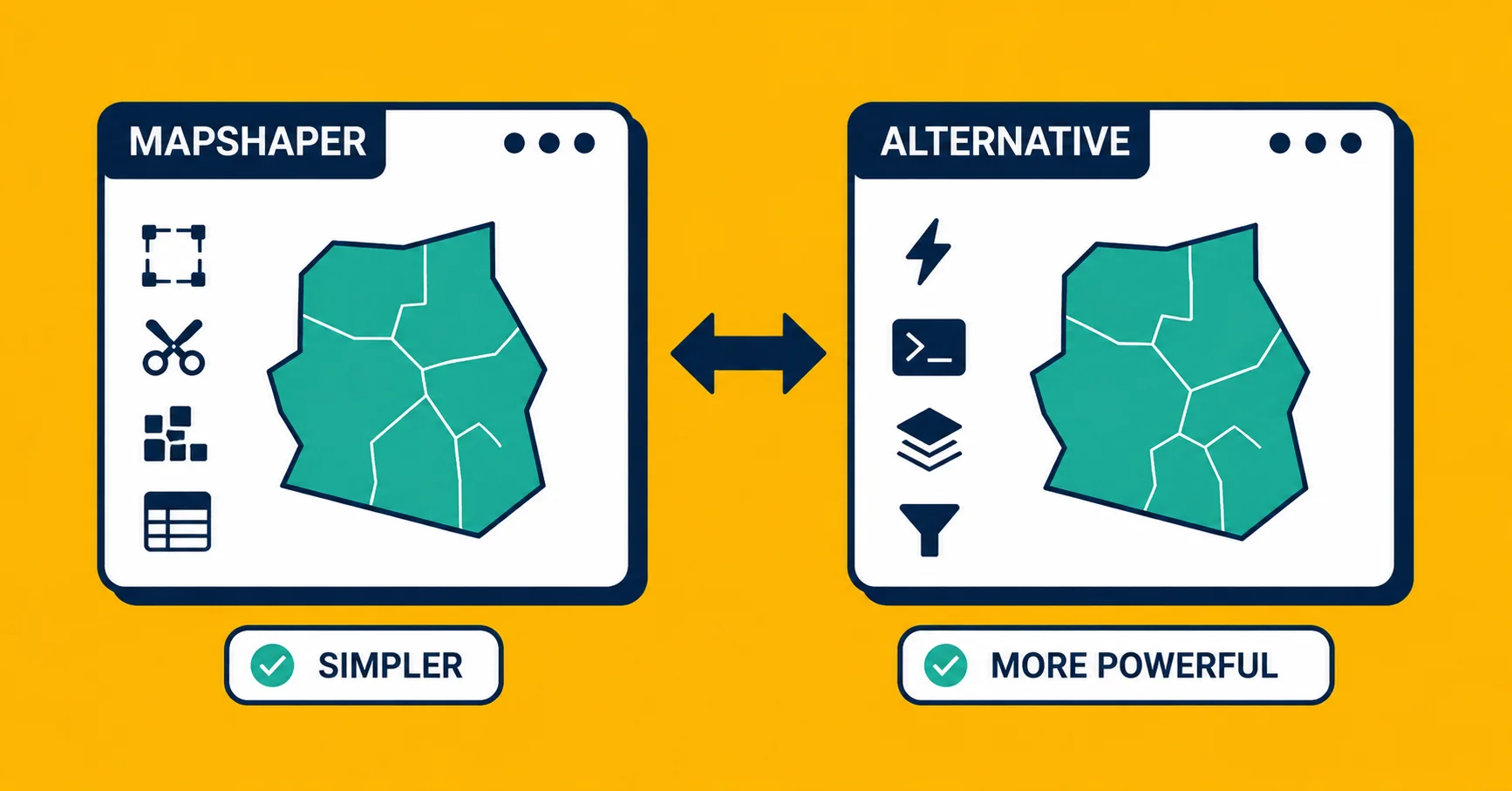
Mapshaper is genuinely good. If you've never heard of it: it's a free browser-based tool for working with geodata files. You drop a file in, inspect the entries visually, and if the file is too large, you simplify the geometry to make it smaller. It's been around since 2013 and it does what it does well.
But a lot of people reach for it when a different tool would serve them better. This post is an honest look at where mapshaper excels, where it runs out of road, and what to use when it doesn't fit.
What mapshaper is actually good at
Viewing files in the browser. You drag in a Shapefile, GeoJSON, or TopoJSON and immediately see a map. No install, no account, no setup. For a quick visual sanity check, it's one of the fastest tools available.
Simplifying geometry. This is mapshaper's main strength and the reason it was built. Simplification means reducing the number of coordinate points in an outline so the file gets smaller. A detailed county boundary might have 10,000 points; after simplification it might have 500 points that still look correct on a small-screen map. Mapshaper's algorithm (Douglas-Peucker and Visvalingam variants) is well-regarded and the slider interface makes it easy to find a simplification level that looks right without going too far.
Basic format conversion. Mapshaper can convert between GeoJSON, Shapefile, TopoJSON, CSV, and a few others. You can do this in the browser or via its command-line interface. It's not as thorough as dedicated conversion tools, but it works for most standard files.
Filtering and attribute editing. The command-line version of mapshaper has a scripting language for filtering entries, renaming columns, and merging files. It's more capable than most people realise.
So if your problem is "I have a GeoJSON with 50 MB of detailed coastline and I need it to be 2 MB," mapshaper is the right tool. It's also the right tool if you just want to look at what's in a file without installing QGIS.
Where mapshaper runs out of road
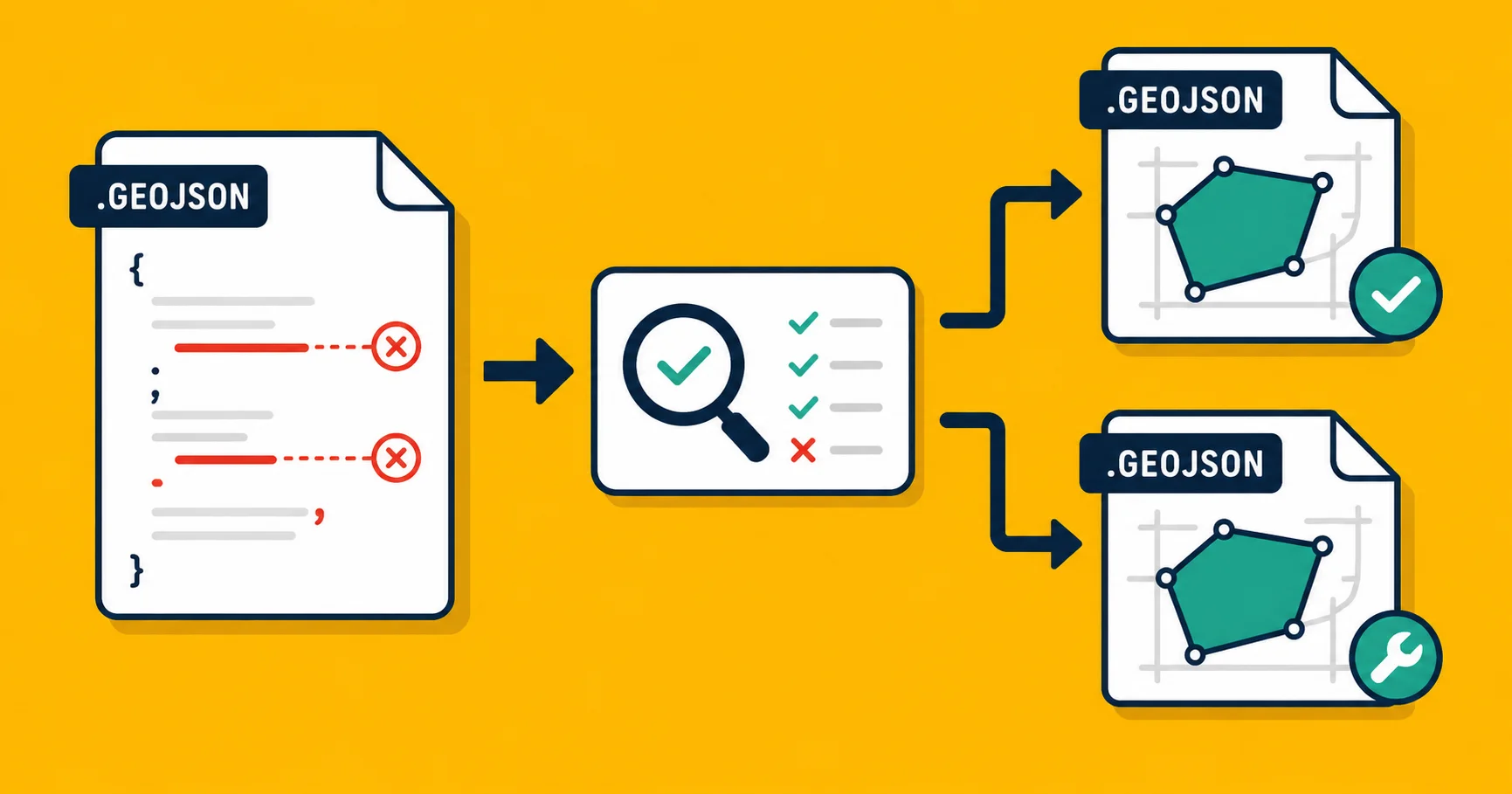
No health check or validation. Mapshaper will show you what a file looks like, but it won't tell you what's wrong with it. It won't detect self-intersecting polygons, unclosed rings, entries with no coordinates, or coordinates that ended up in the wrong ocean because the file was secretly in a projected coordinate system. If you open a broken file in mapshaper, you either see a distorted map or you see nothing, and the tool doesn't explain why.
For that kind of diagnosis, you need something that actually checks the geometry. Georaf's health check reports each problem in plain English and tells you which entries have issues, not just that something is wrong.
No auto-fix. Even when mapshaper surfaces a problem through the --info flag or the console, it doesn't fix broken geometry for you. You can repair some things manually if you understand the command-line syntax. Most people don't, and shouldn't have to.
Limited format support. Mapshaper handles the most common formats well but stops there. KMZ, for example, requires you to unzip it to a KML first before mapshaper can open it. GeoPackage isn't supported. If you're working with formats outside mapshaper's set, you need a different tool.
No batch processing through the browser. The browser interface handles one file at a time. Batch conversion is possible on the command line, but that's not the use case mapshaper was designed for first.
No embeds. Mapshaper has no way to generate a shareable embed or a link you can drop into a webpage. You can screenshot it, but that's not the same thing.
No API. If you want to plug conversion or simplification into an automated workflow, mapshaper has no REST API. The command-line tool is the closest thing, which means you need it installed on whatever machine is running your pipeline.
Side by side
| You want to... | Tool |
|---|---|
| Visually inspect a file immediately | Mapshaper or Georaf |
| Reduce file size by simplifying geometry | Mapshaper |
| Find out what's wrong with a broken file | Georaf health check |
| Auto-fix self-intersecting polygons, unclosed rings | Georaf |
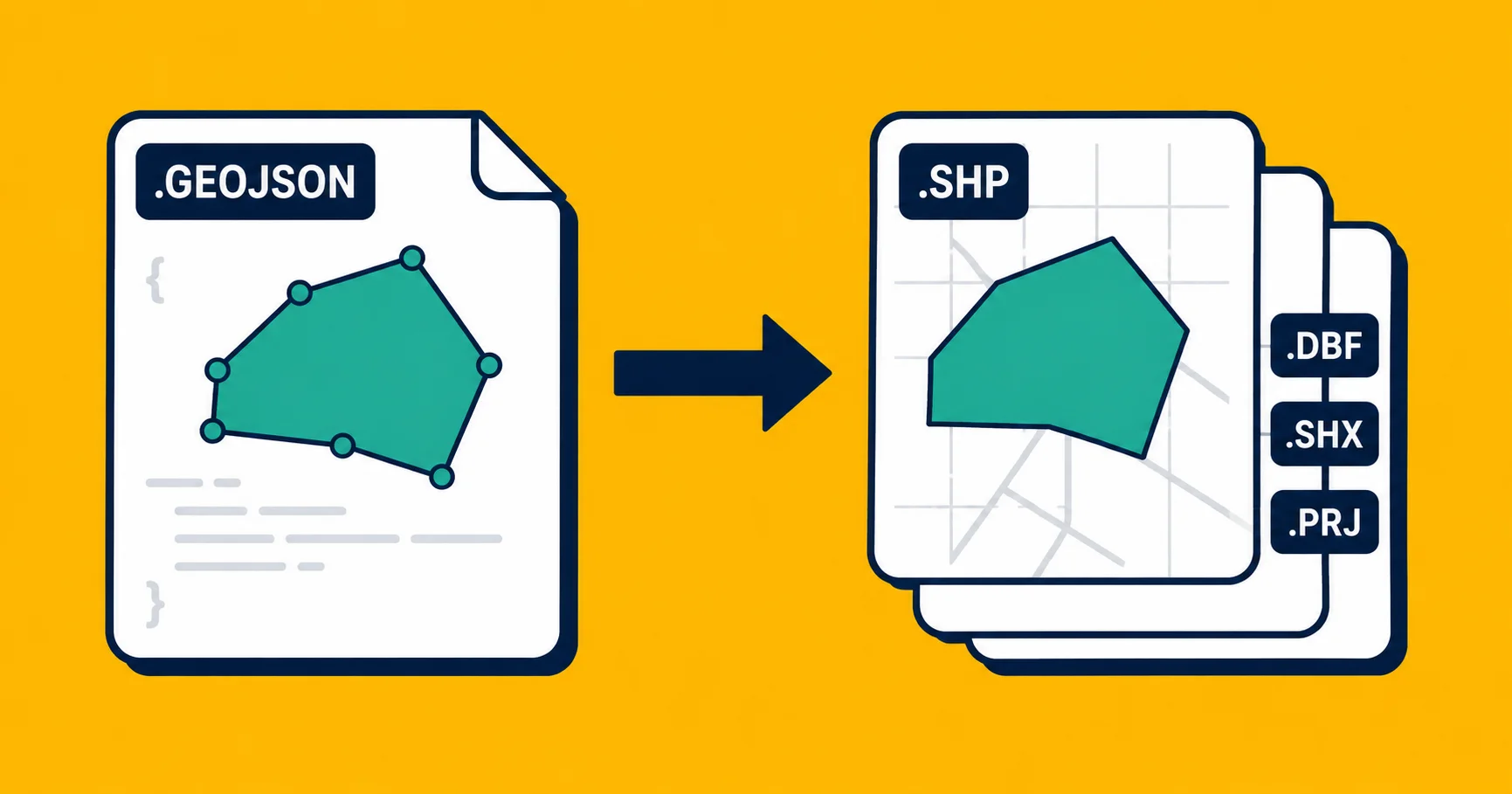
| Convert GeoJSON to Shapefile | Georaf converter or ogr2ogr |
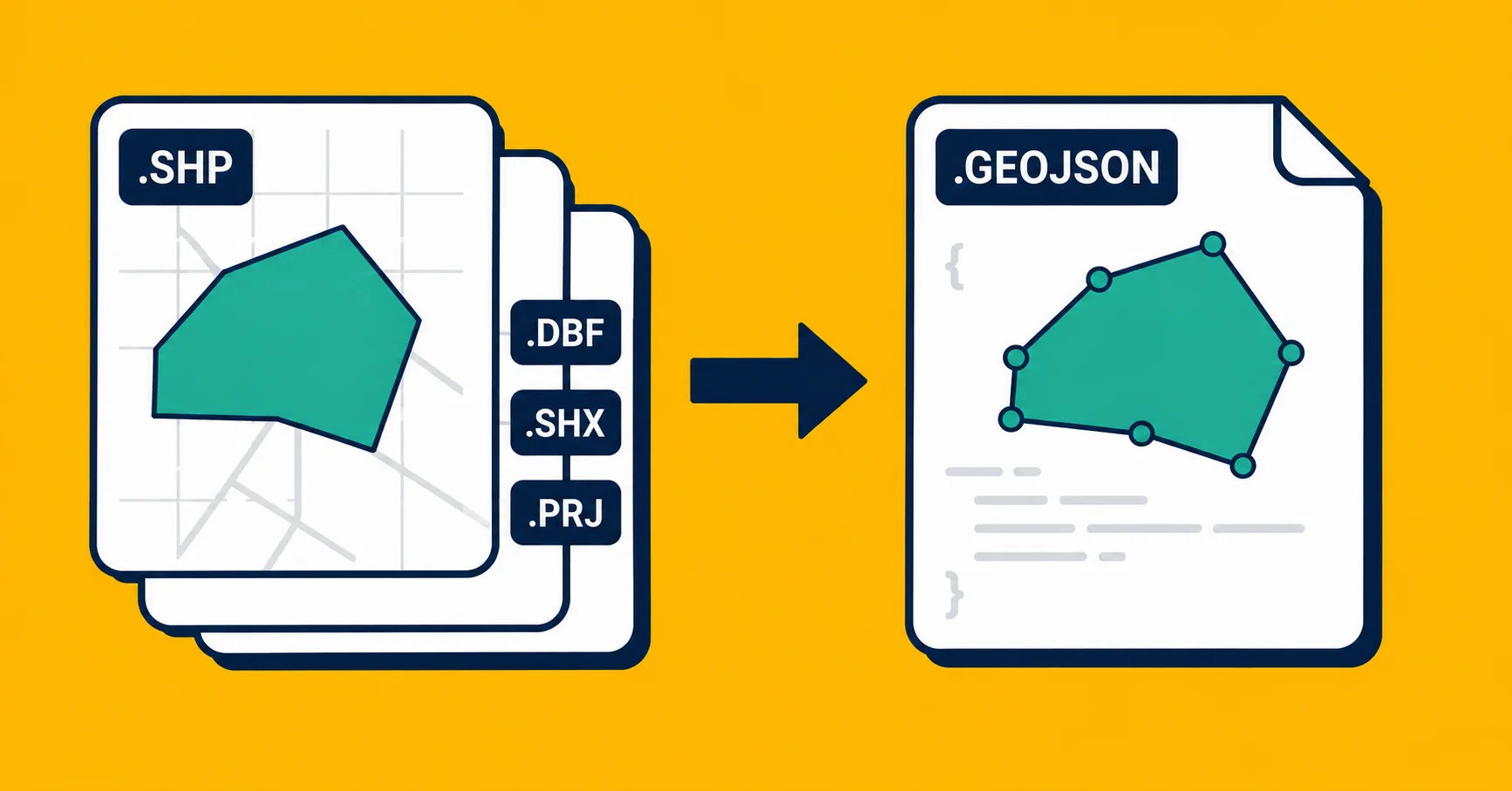
| Convert Shapefile to GeoJSON | Georaf converter or ogr2ogr |
| Generate a shareable map embed | Georaf |
| Automate conversion via API | Georaf API |
| Batch convert 200 files in a script | ogr2ogr |
The workflow that combines both
If you have a large, detailed file and you want to both simplify it and then check it's clean before using it:
- Open the file in mapshaper and use the simplification slider until the file is the size you need.
- Export it.
- Drop the simplified file on Georaf to run a health check before you ship it. Simplification occasionally creates self-intersecting geometry, especially with aggressive settings on complex outlines. Better to catch that before it surfaces as a broken tile in production.
That's a reasonable two-tool workflow. Use the tools where each one is strong.
When to look elsewhere entirely
If you're coming to mapshaper not for simplification but because it's "free and browser-based," it's worth knowing what else is in that category:
For validating a GeoJSON file, browser-based validators exist. Most of them only check JSON syntax and structure, which catches maybe 10% of the real problems. Georaf checks geometry validity and coordinate ranges too.
For converting between formats, the Georaf converter handles GeoJSON, KML/KMZ, Shapefiles, and Excel/CSV in the browser, no install. For GeoJSON to Shapefile or Shapefile to GeoJSON, it's a drag-and-drop process.
For command-line work, ogr2ogr is the underlying conversion engine behind most desktop GIS tools and handles far more formats and edge cases than mapshaper. The trade-off is that you have to install it and learn its syntax.
The short version
Use mapshaper when you need to simplify geometry or want a quick visual look at a file. It's free, fast, and well-made for those jobs.
Use Georaf when you need to convert formats, check what's wrong with a broken file, auto-fix geometry problems, or generate an embed.
If your file is large and complex, simplify it in mapshaper first and then run it through Georaf's health check. Two minutes of validation catches errors that would otherwise spend days confusing you.
Both tools are free for most use cases. They complement each other more than they compete.