 Georaf Team
EPSG:4326 vs EPSG:3857: When to Use Which Coordinate System
Both are called Web Mercator by people who don''t know the difference. Here is what each one actually is, and which one your project needs.
If you've ever worked with geographic data on the web, you've seen the numbers 4326 and 3857. They show up in error messages, in API docs, in colleague conversations, often without explanation.
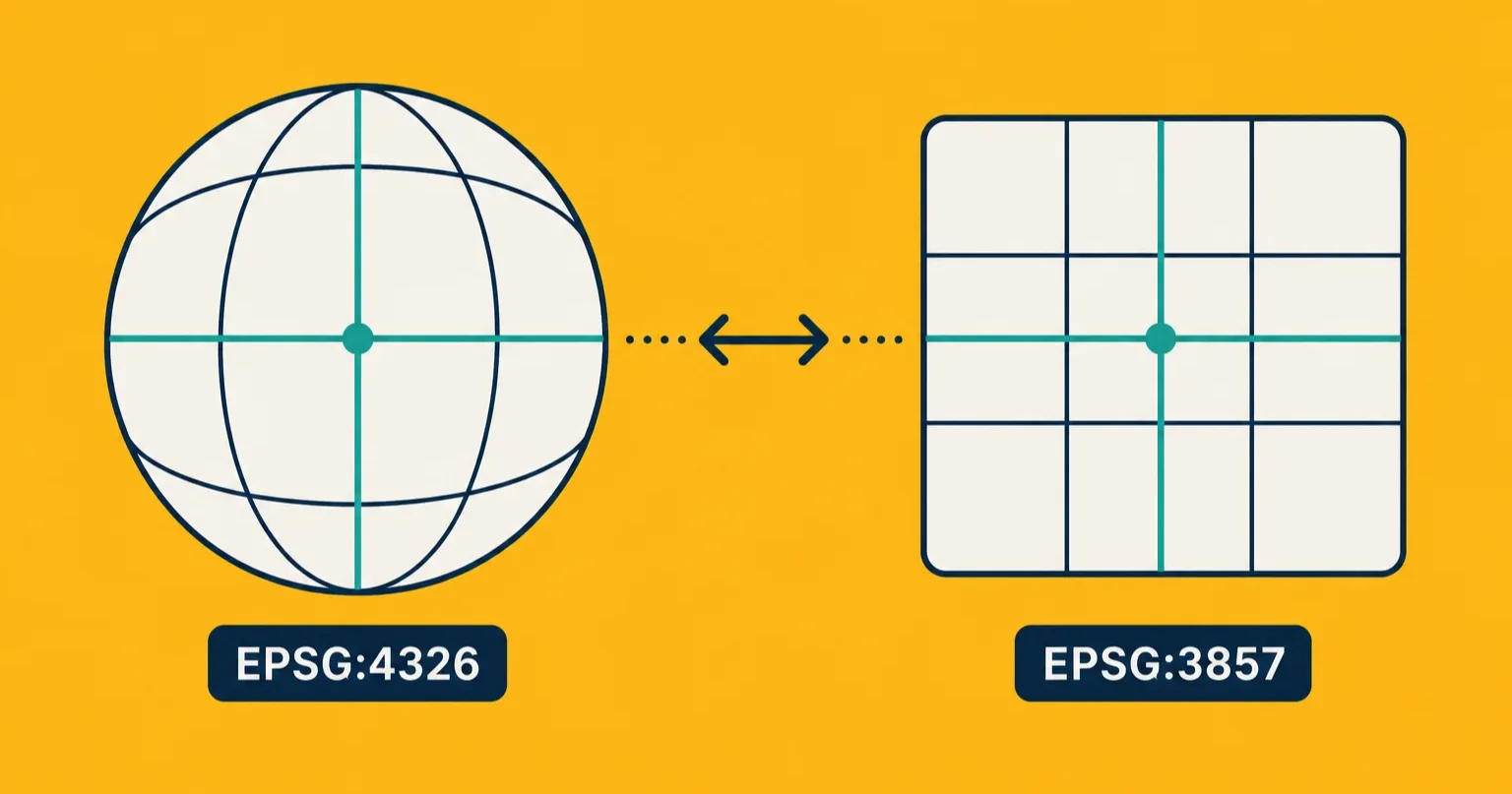
These are EPSG codes. They identify specific coordinate reference systems. Two of them in particular dominate every web-mapping conversation:
- EPSG:4326 is GPS latitude and longitude, in degrees.
- EPSG:3857 is Web Mercator, in meters.
Mixing them up explains the majority of "my map looks wrong" tickets in any web-mapping project. This piece explains what each one actually is and when to use which.
First, what's an EPSG code
EPSG codes are a numbered registry maintained by the European Petroleum Survey Group (now the International Association of Oil and Gas Producers, but the name stuck). Each code identifies a unique way of describing where a point is on the Earth.
There are thousands of EPSG codes. Most countries have at least one or two of their own, optimized for their geography. Surveyors and engineers use these local systems because they're more accurate over small areas.
Two codes matter for almost all web mapping:
- EPSG:4326 = WGS 84 = "GPS coordinates" = latitude/longitude in degrees
- EPSG:3857 = Web Mercator = "the map you see in Google Maps" = projected to a flat surface in meters
Everything else is a special case.
What EPSG:4326 actually is
EPSG:4326, formally known as WGS 84, is what your phone reports when an app asks for your location. It's the system GPS satellites use.
Coordinates are:
- Longitude in degrees east-west, range
-180to180 - Latitude in degrees north-south, range
-90to90
A point in Berlin is roughly (13.4, 52.5). A point in New York is roughly (-74.0, 40.7).
The Earth is treated as an ellipsoid (a slightly squashed sphere). Coordinates describe where you are on that ellipsoid, in angular terms. They do not describe where you are on a flat map, because there is no flat map yet.
Properties:
- Universal. Every GPS device on Earth uses this.
- Angular. A "degree" of longitude in Norway covers ~50 km. A degree at the equator covers ~111 km. Same units, different real-world distances.
- The default for GeoJSON (RFC 7946 requires it, officially).
- Easy for humans to read once you know latitude is N-S and longitude is E-W.
What EPSG:3857 actually is
EPSG:3857 is the Spherical Mercator projection. It takes the curved Earth and flattens it onto a square, then expresses positions on that square in meters.
Coordinates are:
- X in meters east-west, range roughly
-20,037,508to20,037,508 - Y in meters north-south, same range
A point in Berlin in EPSG:3857 is roughly (1,491,250, 6,892,800). Not as friendly to read.
The flattening process is what Mercator's projection does: it preserves shape locally but exaggerates size as you move toward the poles. Greenland looks the size of Africa even though it's a tenth the size. This is the same projection Google Maps, OpenStreetMap, Mapbox, and basically every tile-based web map uses.
Properties:
- The "native" coordinate system for web map tiles. Every tile server speaks this.
- Distance-preserving locally. A meter on the map is approximately a meter on the ground, for small distances.
- Wildly distorted near the poles. Antarctica becomes a band stretching across the bottom of the map.
- Coordinates are big ugly numbers. Not human-friendly.
When to use which
The simple rule:
Use EPSG:4326 for:
- Anything you're storing or transmitting (database, API, GeoJSON file, configuration).
- Anything a human will read.
- Anywhere GPS data enters or leaves the system.
Use EPSG:3857 for:
- The internal coordinate system of a web map's rendering pipeline.
- Tile servers.
- Distance calculations on a slippy web map (clicking on the map, measuring a line in screen pixels, etc.).
The pattern is: store in 4326, render in 3857. Most modern web mapping libraries (Leaflet, MapLibre, Mapbox GL, OpenLayers) accept GeoJSON in 4326 as input and convert to 3857 internally for display. You never see the conversion happen.
If your tool or API is making you pick one to store data in, the answer is almost always 4326 unless you have a specific reason to do otherwise. 4326 is the universal one. 3857 is an implementation detail of how the web renders maps.
Why do tools fight over the default?
Different parts of the ecosystem evolved separately and ended up with different defaults:
- GeoJSON mandates 4326 (officially).
- Shapefile can be in anything, but
.prjfiles are required to tell you which. - Mapbox / Maplibre / Leaflet input: 4326 (GeoJSON).
- Mapbox / Maplibre / Leaflet internal projection: 3857.
- Mapbox Tilesets: 3857.
- PostGIS: defaults to "whatever SRID you set on the column," often 4326.
- ArcGIS: defaults to whatever your project file says.
ol/projin OpenLayers: defaults to 3857. Catches a lot of people off guard.
This mismatch is why "convert my data to the right coordinate system" is a real and recurring task.
How to convert between them
If you have data in 3857 and need 4326, or the reverse, every GIS tool can do this. The relevant operations:
In ogr2ogr:
ogr2ogr -f GeoJSON -t_srs EPSG:4326 -s_srs EPSG:3857 out.geojson in.geojson
In geopandas (Python):
import geopandas as gpd
gdf = gpd.read_file('input.geojson')
gdf = gdf.to_crs(epsg=4326)
gdf.to_file('output.geojson', driver='GeoJSON')
In QGIS: right-click the layer, "Export → Save Features As", change the CRS dropdown.
In Georaf: drop the file on the converter. If we detect the file is not in WGS 84, we quietly convert it on the way through and tell you we did. Your original file is never touched.
How to tell which system a file is in
For GeoJSON: there's no field that tells you directly (officially the spec assumes 4326). Look at the coordinates:
- Values like
(13.4, 52.5)→ looks like 4326. - Values like
(1491250, 6892800)→ looks like 3857. - Values like
(389577, 5819127)→ some other projected system, likely a national one.
For Shapefile: read the .prj file. It's text and contains the projection name or an EPSG identifier directly.
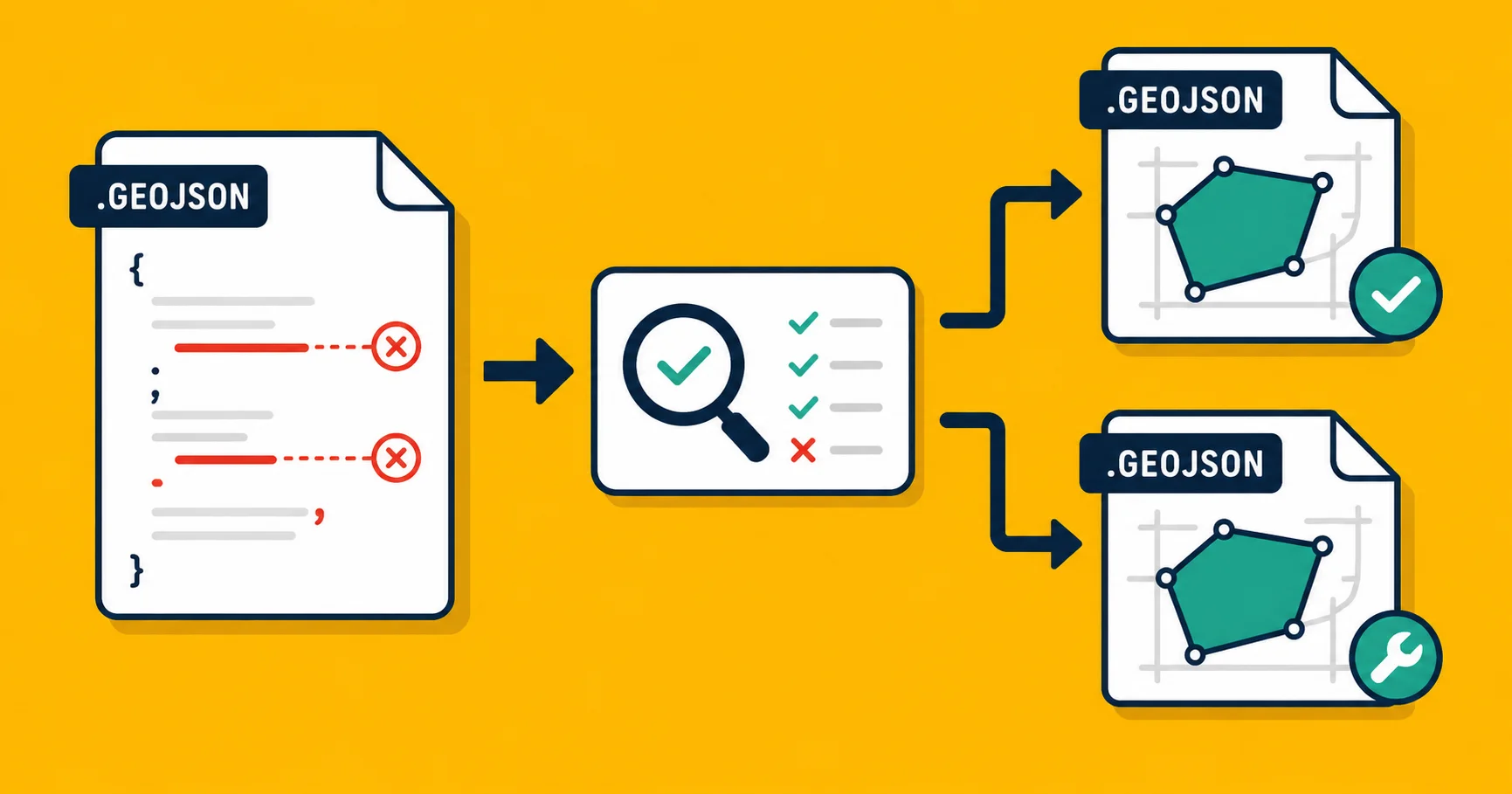
For files of unknown origin: Georaf's health check will tell you. We compare coordinates to expected ranges and flag the mismatch.
A practical takeaway
In the vast majority of web-mapping projects:
- Your data should be stored in EPSG:4326.
- Your tile server is doing things in EPSG:3857.
- You should rarely have to think about 3857 unless you're debugging.
The exception is when you receive data from surveyors, government agencies, or engineering firms. Their files are often in a local projected system (UTM zones, national grids, state plane systems). Convert to 4326 once at ingest, and your downstream pipeline will be simpler forever.
If you're holding a file right now and you don't know which system it's in, drop it on Georaf. The health check tells you in plain English, the converter normalizes it to WGS 84 if needed, and you can move on.